How to Email a Professor: Subject Lines and 4 Short Examples You Can Rewrite
How to email a professor about a question, a missed class or a grade check: the subject line, a greeting that works and 4 short examples to rewrite yourself.
By Ultimate Student Planner by Cosmo Suite · Editorial policy
Published · 7 min read

It's week 3. You missed Tuesday's lab, you can't find the quiz date, and the email you started to your professor has been sitting in drafts for two days. You don't know how formal to be. You don't know what to call them. So you wait.
Most students stall on the same three things: the greeting, the subject line and how much to say. None of them is hard. A professor email is a short written message with a subject line that names the class and the reason, a greeting that uses the professor's title and last name, two lines about who you are, one clear question and a thank you. Send it from your school address, as universities expect.
This guide covers the class case only: a question, a missed class or a grade check. Below you'll find a subject line for each case, four short examples and a check to run before you press send.
The Short List
- Check the syllabus first. Many answers are already there.
- Write the subject line as "Class code: reason".
- Open with "Dear Professor [Last Name]" and use your school email address.
- Ask one clear thing. Then say thank you.
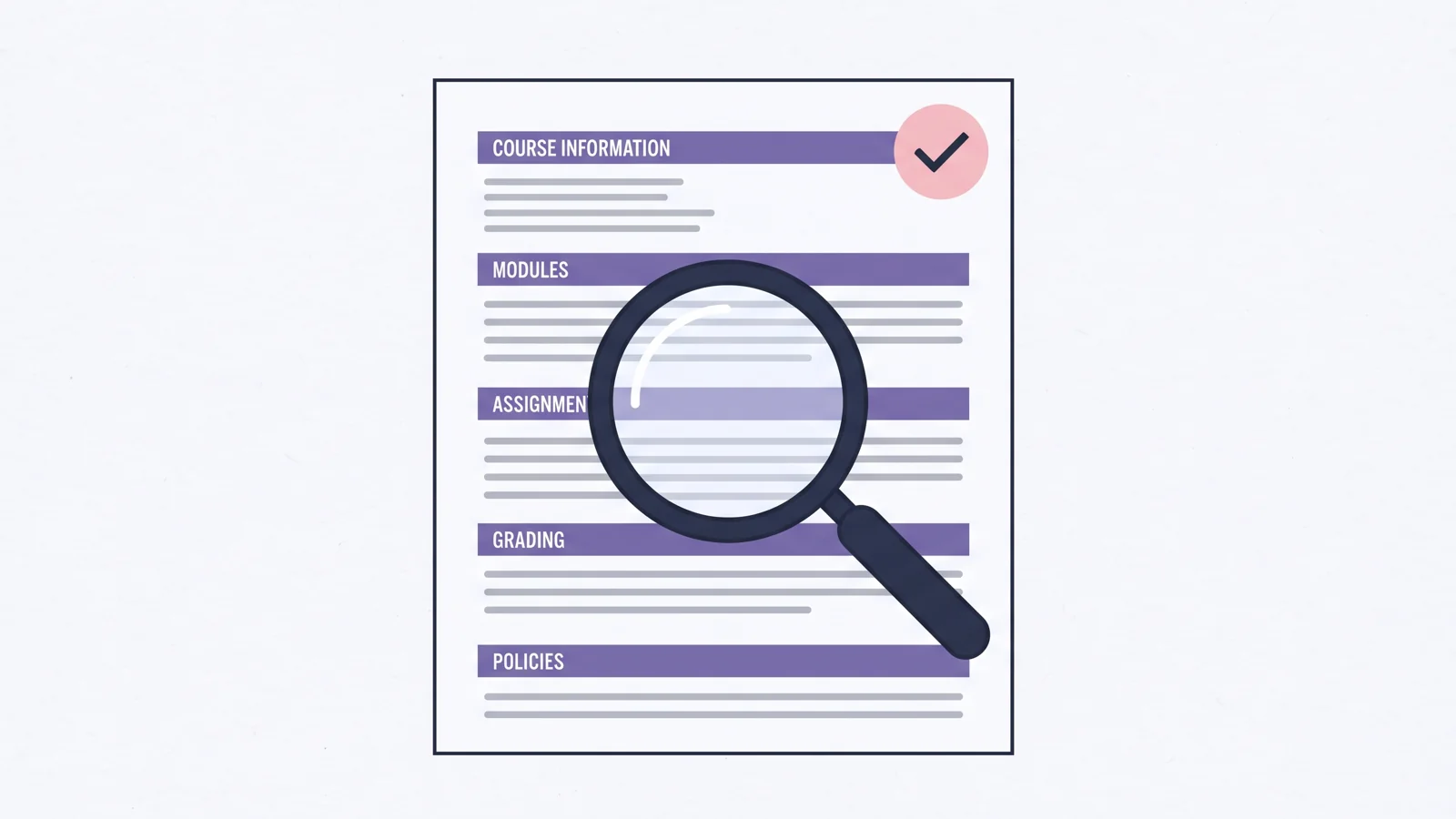
How to Email a Professor: Start With the Syllabus
Before you write, open the syllabus and the course page. The UMass Boston Writing Center tells students to check whether the information they want is in the syllabus before they email. Due dates, late policies, office hours and the best way to reach the professor are often written down.
If the answer is there, you save the professor a message and save yourself a wait. If it isn't, you can say so in the email: "I checked the syllabus and didn't find the make-up policy for missed labs." That one line shows you did the work.
It also helps to have your dates in one place before you write. If you keep every class's due dates in a sorted list, such as the one in this student planner guide, you can see in a few seconds whether your question is about a deadline that is already written down.
Subject Lines and Parts of the Email, Class by Class
The subject line is the one-line label that appears in the inbox before the message is opened, and it decides whether your email is read today or buried. UMass Boston says it should be "simple but specific enough to reflect the information you present in the body." The University of Illinois adds that the course code or topic helps instructors sort a full inbox.
Use this pattern: class code, then a colon, then the reason.
| Case | Subject line | Body should say | Best for |
|---|---|---|---|
| A question | BIO 101: question about Friday's quiz | Which quiz, what you checked, your question | Something the syllabus does not answer |
| A missed class | CHEM 210: missed Tuesday's lab | Which session, why, what you plan to do | Absences and make-up work |
| A grade check | ECON 150: question about midterm grade | Which item, what you noticed, what you ask | A score that looks off |
| A meeting | HIST 101: request for office hours | Your topic and two times that work | Anything that needs a talk |
The class codes above are examples. Use your own.
Two rules keep the body clean. Write in full sentences, not text-message shorthand. When you have more than one question, use a short numbered list, as UMass Boston suggests.
How Do You Start an Email for a Professor?
Start with "Dear Professor [Last Name]," or "Hello Professor [Last Name],". UMass Boston names both as fine openings. "Dear" is slightly more formal, and either one works for a first message.
A greeting is the first line of the email, the one that names the reader. Then tell them who you are in the first two lines: your name, the class, and when it meets. A professor may teach several sections and hundreds of students. "I'm in your Tuesday and Thursday 10:00 section of BIO 101" lets them place you at once.
Skip "Hey". Skip "I have a question" too, and ask the question itself.
Do You Use a Professor's First or Last Name?
A title is the word before the last name, such as Professor or Dr., and it is the safe choice. Use the title and the last name, which is the default form of address in a university setting, until the professor tells you otherwise. The University of Illinois says to address professors as "Professor [Last Name]" or "Dr. [Last Name]" to avoid awkwardness. UMass Boston adds that you should use the title and name your professor prefers.
If you aren't sure whether they have a doctorate, "Professor" is safe. Look at the syllabus or the department page, which often shows how they sign. If they sign emails with their first name and tell you to use it, switch.
For a teaching assistant, check the syllabus. Some TAs ask for their first name, and some prefer a title.
Can I Email a Professor From My Personal Email?
Use your school address. The University of Illinois recommends the university email rather than a personal account because it helps instructors "validate your email and its importance." School mail also shows your name and school at a glance.
If you only have a personal address for a while, such as before your account is active, put your full name and class in the subject line and the first line so the professor can match you.
Can You Give an Example Email to Send to a Professor?
Here are four. Each is short on purpose. Do not copy them word for word. Change the details, say it your way, and keep the order: who you are, what you need, what you tried, thank you.
Example 1: A question about an assignment
Subject: BIO 101: question about Friday's quiz
Dear Professor [Last Name],
I'm [Your Name] in your [days and time] section of BIO 101. I checked the syllabus and the course page, but I couldn't find whether Friday's quiz covers Chapter 6. Could you tell me which chapters it includes?
Thank you, [Your Name]
Example 2: A missed class
Subject: CHEM 210: missed Tuesday's lab
Dear Professor [Last Name],
I'm [Your Name] in your [days and time] section of CHEM 210. I missed Tuesday's lab because [short, honest reason]. I read the lab handout and the syllabus policy on make-ups. Is there a way to make up the lab, and who should I ask about it?
Thank you, [Your Name]
Example 3: A grade check
Subject: ECON 150: question about midterm grade
Dear Professor [Last Name],
I'm [Your Name] in your [days and time] section of ECON 150. I looked at my midterm grade and I think question 4 may have been added up differently from the rubric. Could we look at it together? I can come to office hours or send a photo of the page.
Thank you, [Your Name]
Example 4: An office hours request
Subject: HIST 101: request for office hours
Dear Professor [Last Name],
I'm [Your Name] in your [days and time] section of HIST 101. I'd like to talk about my outline for the second paper. Are you free [day, time] or [day, time] this week? If not, I'm happy to work around your schedule.
Thank you, [Your Name]
The brackets are the parts only you can fill in. Write the reason for a missed class in your own words and keep it true. A short, honest line works better than a long story.
What to Check Before You Press Send
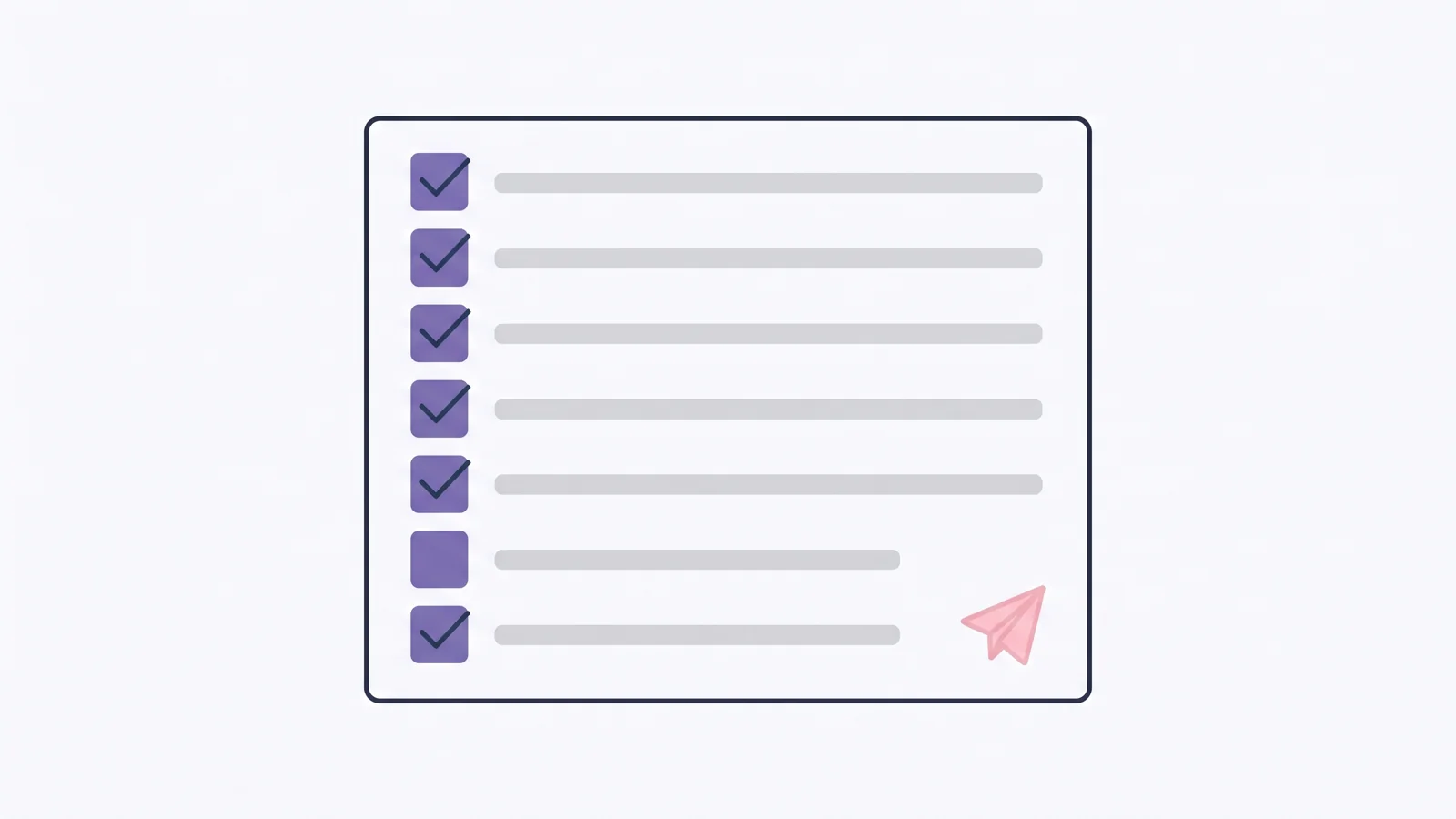
Run this check once before you send. It takes about a minute.
- Is the answer in the syllabus? If yes, don't send.
- Does the subject line name the class and the reason?
- Does the greeting use the title and last name?
- Did you say who you are, which class and when it meets?
- Is there one clear request, or a numbered list?
- Is it from your school address?
- Does it end with a thank you and your full name?
Then wait. Do not send a second email an hour later. A few school days is a fair wait for most questions, and a single short follow-up in the same thread is fine after that.
What to Do After You Send
Write down what you asked, who you asked and the date. When the reply comes, copy any new date into the place where you keep your due dates. A makeup lab on Friday belongs next to your other Friday items, not buried in an inbox.
If you keep a sorted list of due dates for all your classes, add the new date there the same day. That way your professor's answer doesn't get lost when the next class's email arrives.
Sources: UMass Boston Writing Center, Emailing Your Professor; University of Illinois LAS, Email Etiquette 101.
About these sources: our methodology is simple. We read both university pages in full on 13 October 2026 under our editorial policy, and you can read more about the team behind this site. Where both pages agree, such as the school address, the title and last name, and a clear subject line, we call it a rule. Where they are silent, such as how long to wait for a reply, we call it advice. Schools differ, so follow your own syllabus, since your professor has the final word.
Frequently asked questions
Does this work for a high school teacher or a teaching assistant?
Yes. The same parts apply: a clear subject line, who you are, one question and a thank you. For a teaching assistant, check the syllabus for what to call them. For a high school teacher, use the title your school uses, such as Mr., Ms. or Mrs., and the school email address.
How long should an email to a professor be?
Short enough to read on a phone without scrolling much. Aim for three to six sentences: who you are, what you need, what you already tried, and a thank you. If you have several questions, put them in a short numbered list so each one gets an answer.
Is it okay to email a professor at night or on the weekend?
You can write it then, but the University of Illinois advises caution about sending late at night or over the weekend. Your professor may not reply until the next school day. If something is due soon, send the email early in the week and check the syllabus for the reply policy.
What if my professor does not reply?
Wait a few school days, then send one short follow-up in the same thread. Repeat the question in one line and say thank you. If the matter is urgent, such as a missed exam, go to office hours or ask your department office what to do next.
Should I email or go to office hours?
Email works for a quick, clear question with a short answer. Go to office hours for anything that needs back and forth, such as feedback on a draft or trouble with a whole topic. If you are unsure, email to ask for a time and say what you want to cover.
Can I attach files to a professor email?
Yes, when the email needs them, such as a doctor's note or a draft the professor asked to see. Name the file with your name and the class, and mention it in the first lines. Do not attach anything the professor did not ask for.
How do I keep track of what I asked each professor?
Keep a short list of your open questions by class, with the date you sent each one. Check it once a week. A planner with a column per class works, and so does a notes page. The point is to follow up once and then stop worrying.
