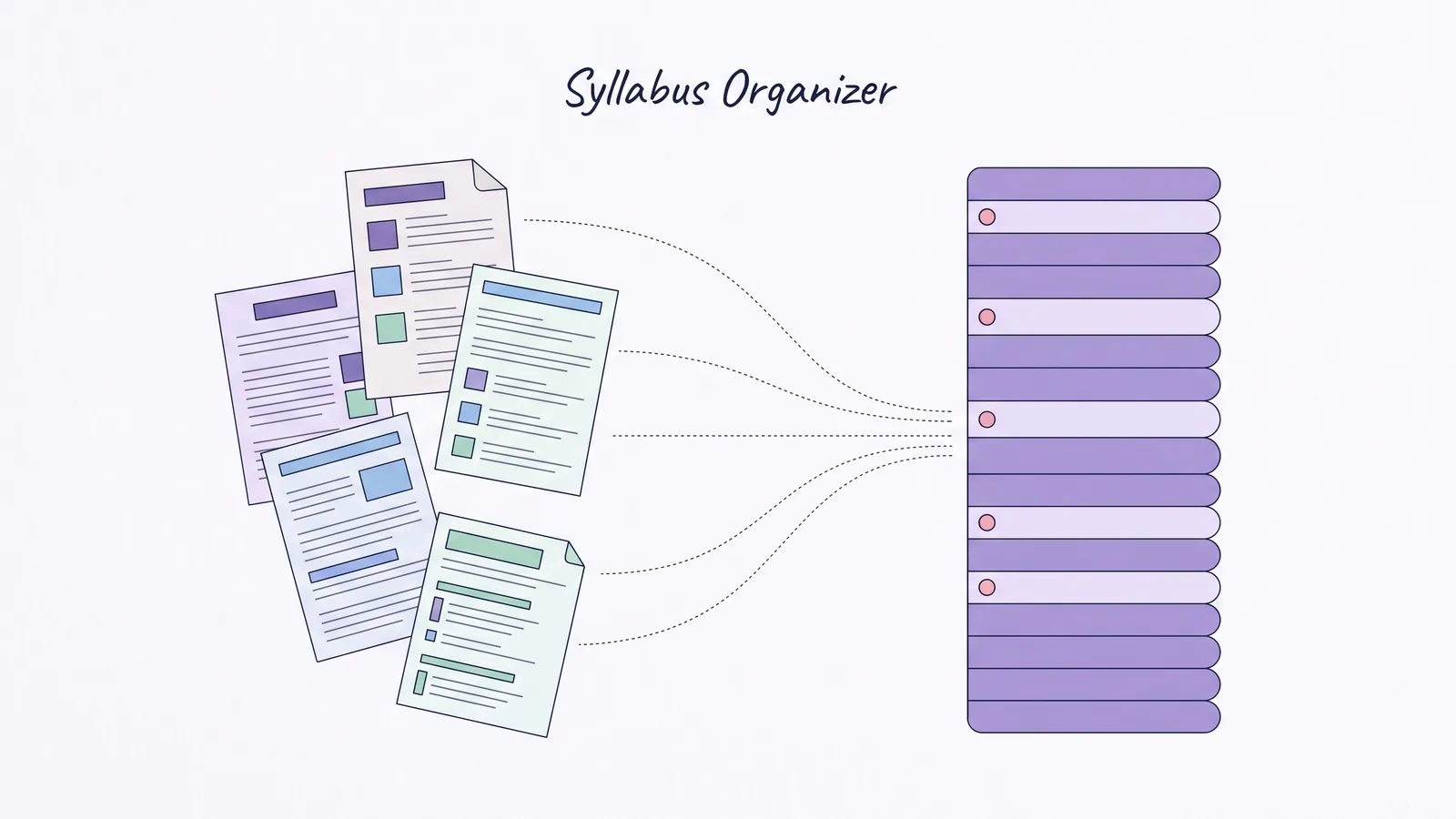
Semester Planner: Every Class's Due Dates on One Page Before Week 2
Semester planner setup for week one: put every class, its major due dates, crowded weeks, and a weekly review on one page before the term gets crowded.
By Ultimate Student Planner by Cosmo Suite · Editorial policy
Published · 7 min read
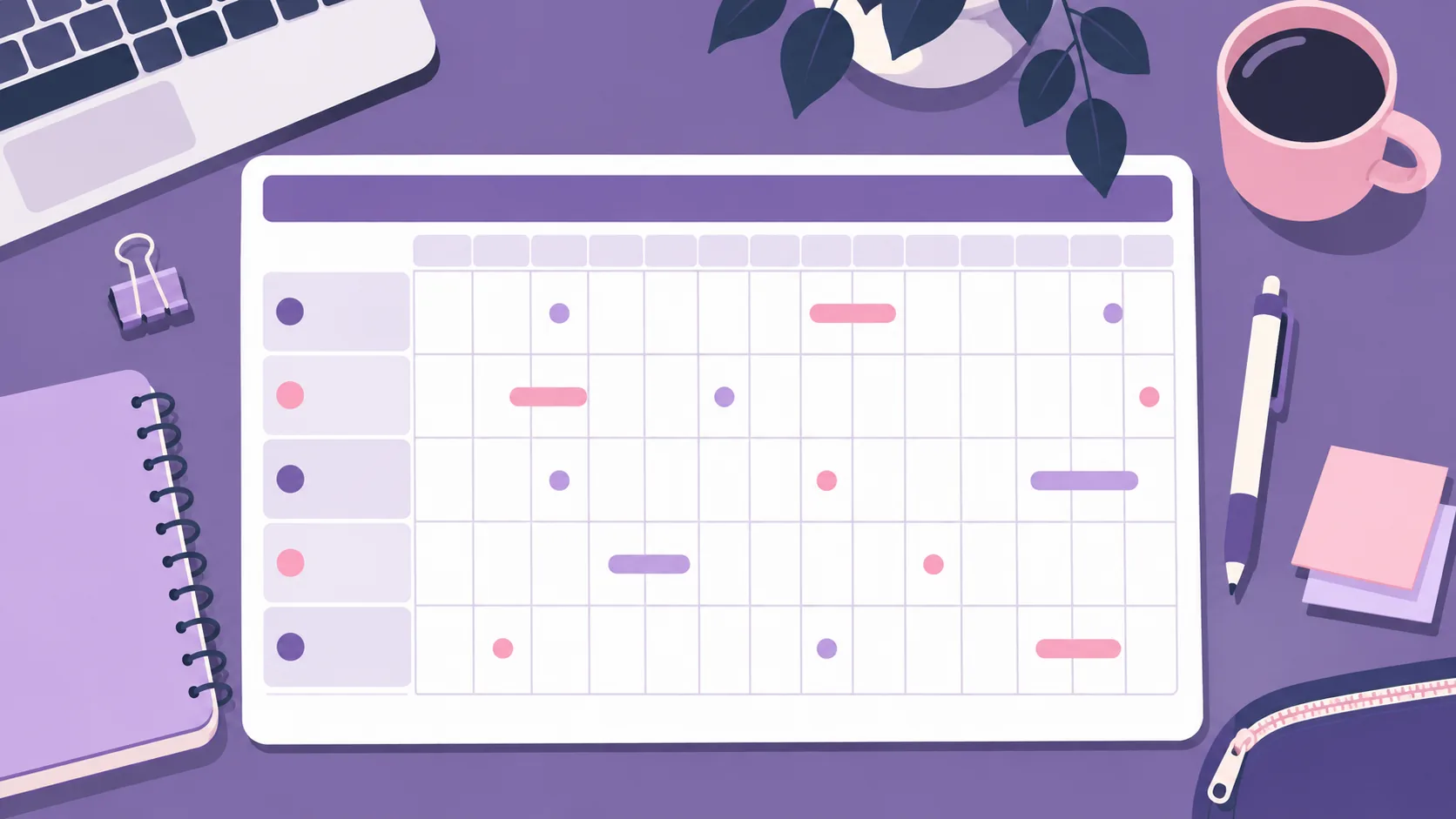
It's week 1. You have syllabi in three formats, dates in two course portals, and one planner page with no place for any of them. A semester planner gives you a wide view before the small deadlines start piling up.
Keep the semester view simple: term dates, courses, major deadlines, and the weeks that look crowded. Your weekly view holds the next actions. Set up the map in a few short passes, then update it when a professor changes a date. To see the views together, start with this student planner spreadsheet for classes and due dates.
The Short List
- Put major dates on the semester map; keep small tasks in the weekly view.
- Copy dates from syllabi and the official school calendar.
- Mark busy weeks by counting deadlines, then work backward to add earlier steps.
- Review the overview weekly. Don't rebuild it every time a date moves.
A Semester Planner Is a Map, Not a Daily Checklist
A semester planner is a wide-view schedule of term dates, courses, and major deadlines. It helps you see the shape of the term when two exams and a project land in the same week. It is not the place to decide what to read tonight.
Keep the page to dates that affect your choices: term start and end, holidays or breaks, major exams, large projects, papers, and registration deadlines you must act on. Your instructor's syllabus is the source for class deadlines. The school's academic calendar is the source for official dates.
The University of Arkansas Student Success office recommends moving dates from a semester calendar into a monthly view, then arranging the week around them. UAMS also separates the semester overview from a weekly calendar for fixed commitments and study time.
Here's the key distinction: a deadline count is not a workload estimate. Three dates in one week are a signal to inspect, not proof that the week is impossible. A short quiz and a long paper both count as one date. Check the task requirements before deciding how early to begin.
Semester Planner at the Start of Term
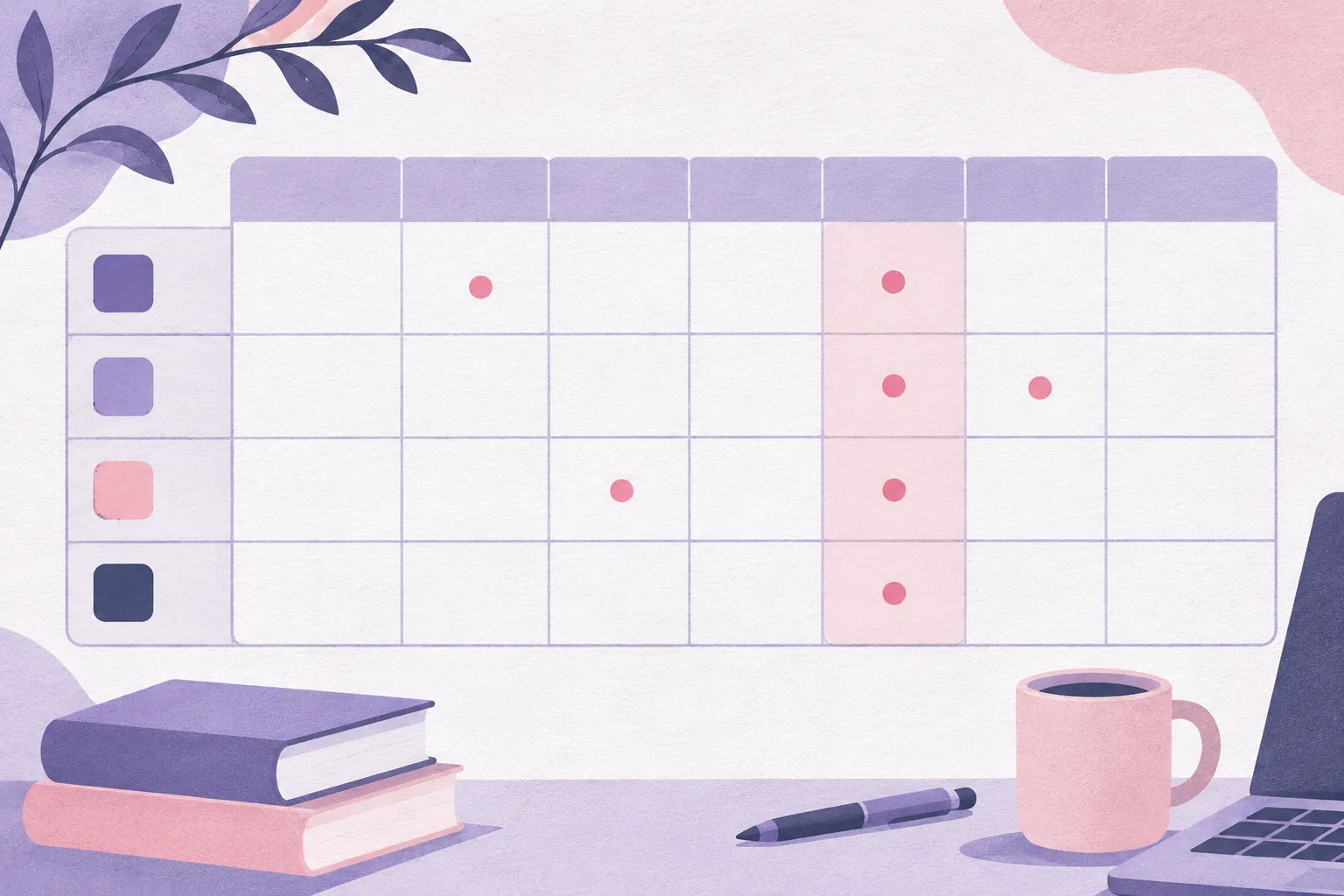
Use one row per week or one column per month. Either way, show the deadline and course together. This fictional example has four classes and illustrates how a handful of dates can reveal a crowded stretch.
| Week | Class and major date | What to notice |
|---|---|---|
| 2 | Biology: lab report due | First larger submission; confirm format and rubric |
| 4 | History: source analysis due | Start gathering sources before this week |
| 5 | Biology: exam; Statistics: problem set due | Two courses need attention in the same week |
| 7 | Literature: paper due; Statistics: exam | Begin the paper outline before exam week |
| 9 | Biology: project presentation | Check the presentation requirements early |
The example dates are illustrative, not a recommended college calendar. Your semester may use quarters, modules, or different break dates. Take the actual dates from your school and each syllabus.
For each week, a small number beside the row can help: how many major deadlines fall there. It isn't a workload score. A paper and a quiz take different amounts of time. The count simply tells you where to look more closely.
Set Up the Semester Planner in Week One
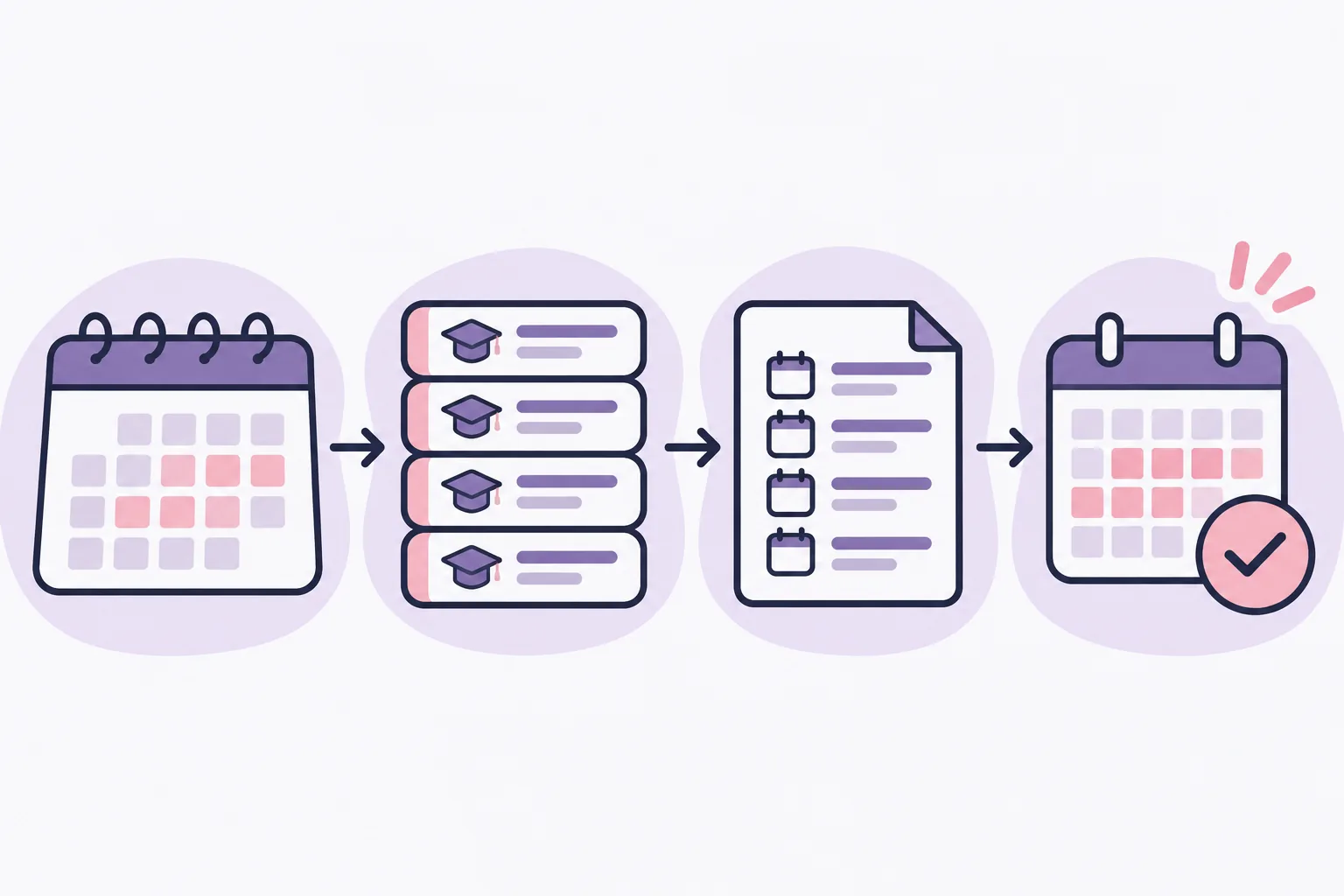
Don't try to fill every box at once. Make a first pass for structure, then add dates as you check each source.
- Write the term frame. Copy the first and last days of instruction, breaks, and final exam period from your institution's academic calendar. Note whether the school uses semesters, quarters, or another term pattern.
- List your courses. Use the exact course names or short labels from your syllabi. Give each one a consistent color if color helps you scan.
- Copy major dates. Add exams, papers, projects, presentations, and other substantial deadlines. Include the course beside every date, so an item never becomes an orphaned "due Friday."
- Mark uncertainty. If a syllabus says a date is tentative or a final schedule is pending, label it as tentative. Don't turn an estimate into a confirmed deadline.
- Circle crowded weeks. Look for several major dates landing close together. Check those weeks against your work shifts, labs, commute, and other fixed commitments.
- Add an earlier action. For a paper, note when you want to choose a topic or draft an outline. For an exam, choose a first review date. These are your own planning reminders, not instructor deadlines.
- Choose a weekly check-in. At the same point each week, scan the next two or three weeks and move nearer tasks into your weekly plan.
A syllabus deadline belongs in the overview. "Read chapter 6" usually belongs in the week you plan to do it. That leaves the semester page readable.
If you're choosing between tools before you start, this student planner guide for each class compares paper, apps, and spreadsheets by what they handle well.
What to Put on the Page, and What to Leave Off
The first draft should answer three questions: what is due, in which course, and when should you start preparing? If an item answers none of those, it probably belongs somewhere else.
| Put on the semester view | Put in a closer view |
|---|---|
| Exams and final exam windows | Daily class meetings |
| Papers, projects, major presentations | Routine readings and small practice tasks |
| School breaks and registration dates | Study blocks for the next few days |
| Tentative dates clearly marked | Notes that matter only for one assignment |
| Your chosen early-start dates | Personal errands and appointments |
A monthly calendar is handy between these views. The University of Pennsylvania's Weingarten Center provides semester, monthly, and weekly planning resources. Elmhurst's semester plan guidance also suggests adding due dates by course and checking the plan at the start and end of the week.
If you use a planner spreadsheet, keep the overview connected to your task list when possible. In a paper planner, copy only the next set of dates into the weekly spread. Either way, make one place the source of truth when a date changes.
How the Ultimate Student Planner Handles This
A semester planner spreadsheet with a one-page overview can pair a broad view with the details you need each week. Ultimate Student Planner is a Google Sheets and Excel planner by Cosmo Suite. It includes two printable pages: a weekly planner and a semester at a glance, in US Letter and A4 sizes.
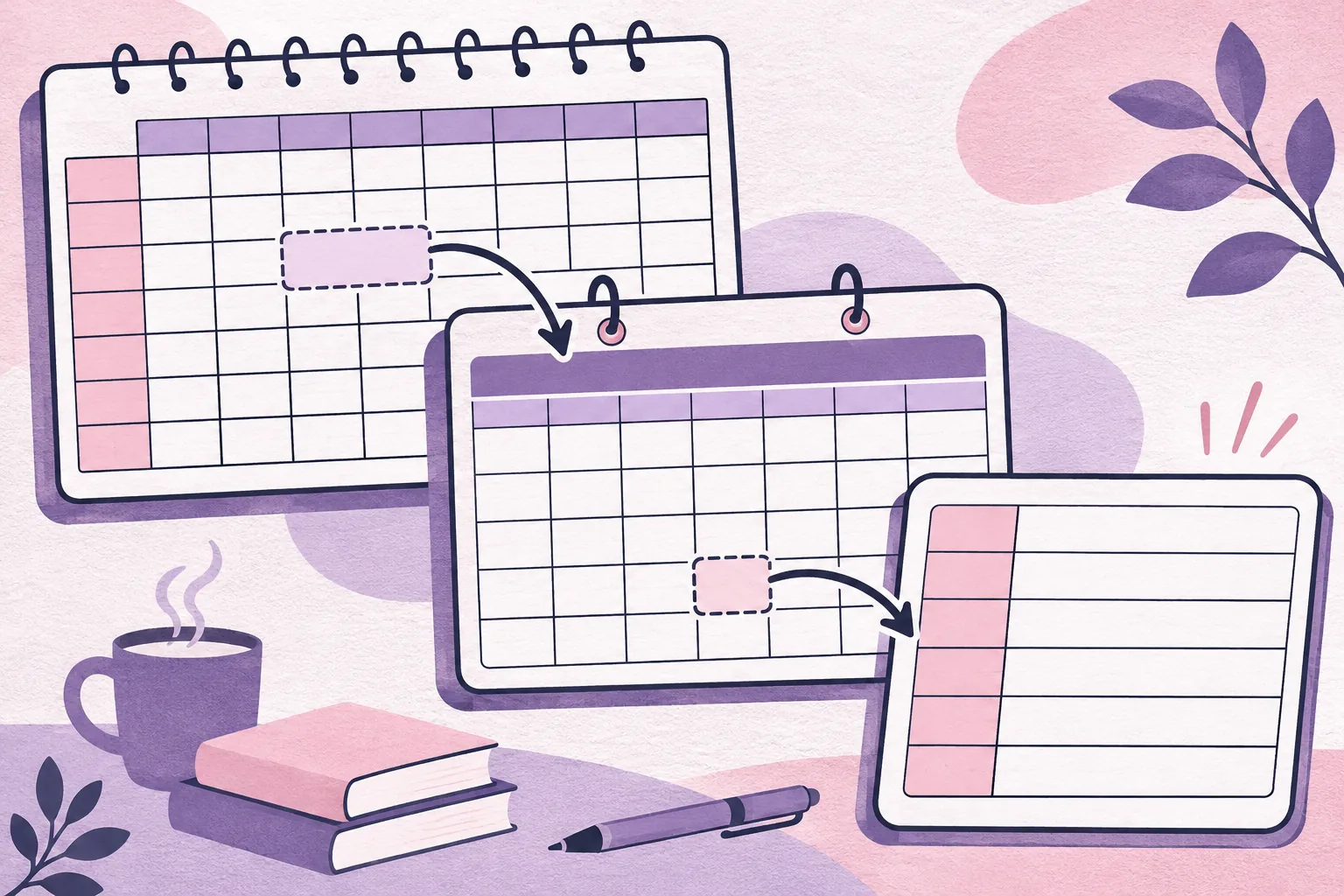
The semester page is for the long view. The month Calendar is populated from the Assignments tab, where due dates are sorted and can be filtered by class or status. The Weekly Planner shows each day's classes, what is due, and your to-dos. You can use the page that fits the moment instead of cramming every detail into the semester overview.
It comes with a sample copy and a clean copy. Use the sample to see the layout, then start your own term in the clean copy. The planner supports up to 10 classes and 300 assignments in a semester. It has no sync or import from school portals or calendar apps, no reminders, and no rotating A/B day schedule. Dates need to be entered from your own syllabi and checked when they change.
If you prefer paper, the printable student planner pages show the weekly and semester formats. A separate student planner template can help you decide which details belong in each place.
Keep the Map Useful When Dates Move
When a due date moves, update the existing map. Then check whether the new week has become crowded.
For example, if a project moves into an exam week, update the deadline and revisit your earlier start date. The semester view surfaces the collision; your weekly plan shows the next action. This is where a planner that sorts every class's due dates can save recopying, while the printable overview stays easy to scan.
The University of Arkansas Medical Sciences Student Success Center recommends using the semester calendar to organize weekly and daily schedules, with review and catch-up time in the week. Use the term map to spot a coming crunch, then place the next actions in your weekly planner.
If the plan slips, reset only the next week. Check what is due soon, what moved, and what can wait. The page should make restarting easier, not add another thing to feel behind on.
Choose a Format You'll Update
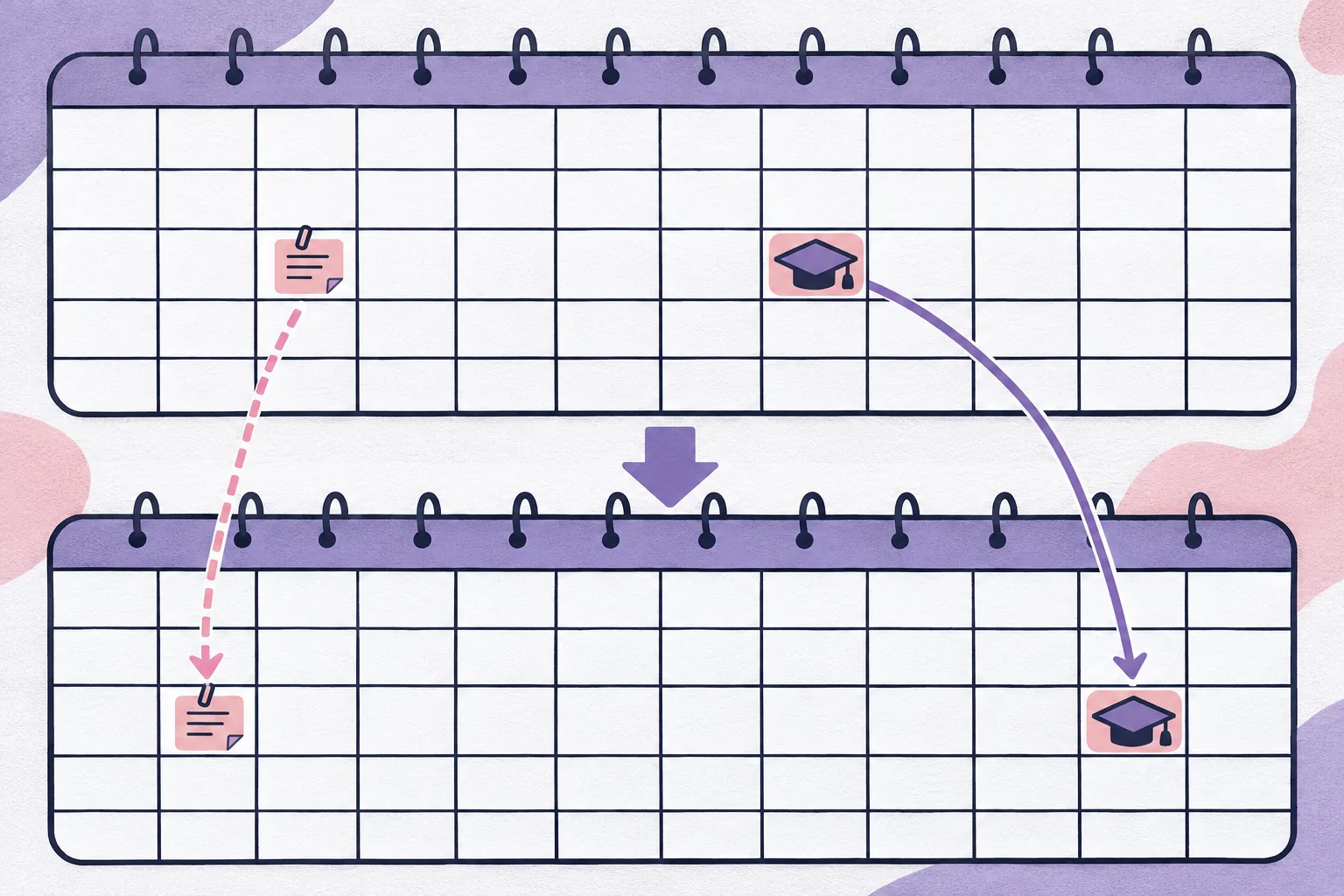
A semester planner only stays useful when updating it is easy enough to repeat. Choose the format that fits how you already check dates.
- Use paper if you want a visible page and prefer handwriting. Leave room to cross out and rewrite a changed date.
- Use a spreadsheet if you want to sort or filter a longer list and revise dates without recopying a whole page.
- Use a calendar app if alerts matter most. A planner view may still help you see several classes together.
- Combine them if that suits you: keep one master list, then print or copy only the dates you need in front of you.
A weekly review doesn't need to be elaborate. Open the semester map, scan the next few weeks, confirm any tentative dates, and choose the first actions for the coming week. Then close it and get on with the actual work.
Sources: University of Arkansas Student Success, How to Keep Track of Everything; UAMS Student Success Center, Scheduling Your Time; Elmhurst University Learning Center, Managing Your Time; University of Pennsylvania Weingarten Center, Study Tools and Strategies. Checked 14 November 2026.
Frequently asked questions
Does a semester planner work for high school?
Yes. Use the same simple map for classes, major dates, and the next week. If you have fewer courses, leave blank rows. Check your school calendar for term dates and teacher deadlines.
What should I put in a semester planner first?
Start with the term dates and each class's major due dates from its syllabus: exams, projects, papers, and registration or break dates from your school's calendar. Add weekly details after those anchors are in place.
How detailed should a semester planner be?
Keep the overview short enough to scan. Put major dates and unusually busy weeks on the semester page. Use a month or weekly view for smaller tasks, class meetings, and study blocks.
Should I use a paper or digital semester planner?
Use paper if you want a visible, portable overview and don't mind updating it by hand. A digital planner is easier to sort and revise. You can also keep a digital master list and print a one-page overview.
When should I set up a semester planner?
Set up the broad outline during the first week, once you have the syllabi and official academic calendar. Recheck it when an instructor changes a date, then review the next week at a regular time.
Can a semester planner replace a weekly planner?
No. The semester view helps you spot clusters several weeks ahead. A weekly view holds the actions you can do now. Move only the next week's dates and tasks into that closer view.
What's the fastest way to start a semester planner?
Write down your term dates and list your classes first. Then copy each syllabus's major deadlines into the planner. Mark the weeks with the most dates and pick a weekly review time. Add smaller tasks as each week gets closer.