Syllabus Organizer: Turn 5 Syllabi Into One List of Due Dates
Syllabus organizer: pull every due date and policy from each syllabus, put the dates in one sorted list, and know what to do when a date moves.
By Ultimate Student Planner by Cosmo Suite · Editorial policy
Published · 11 min read
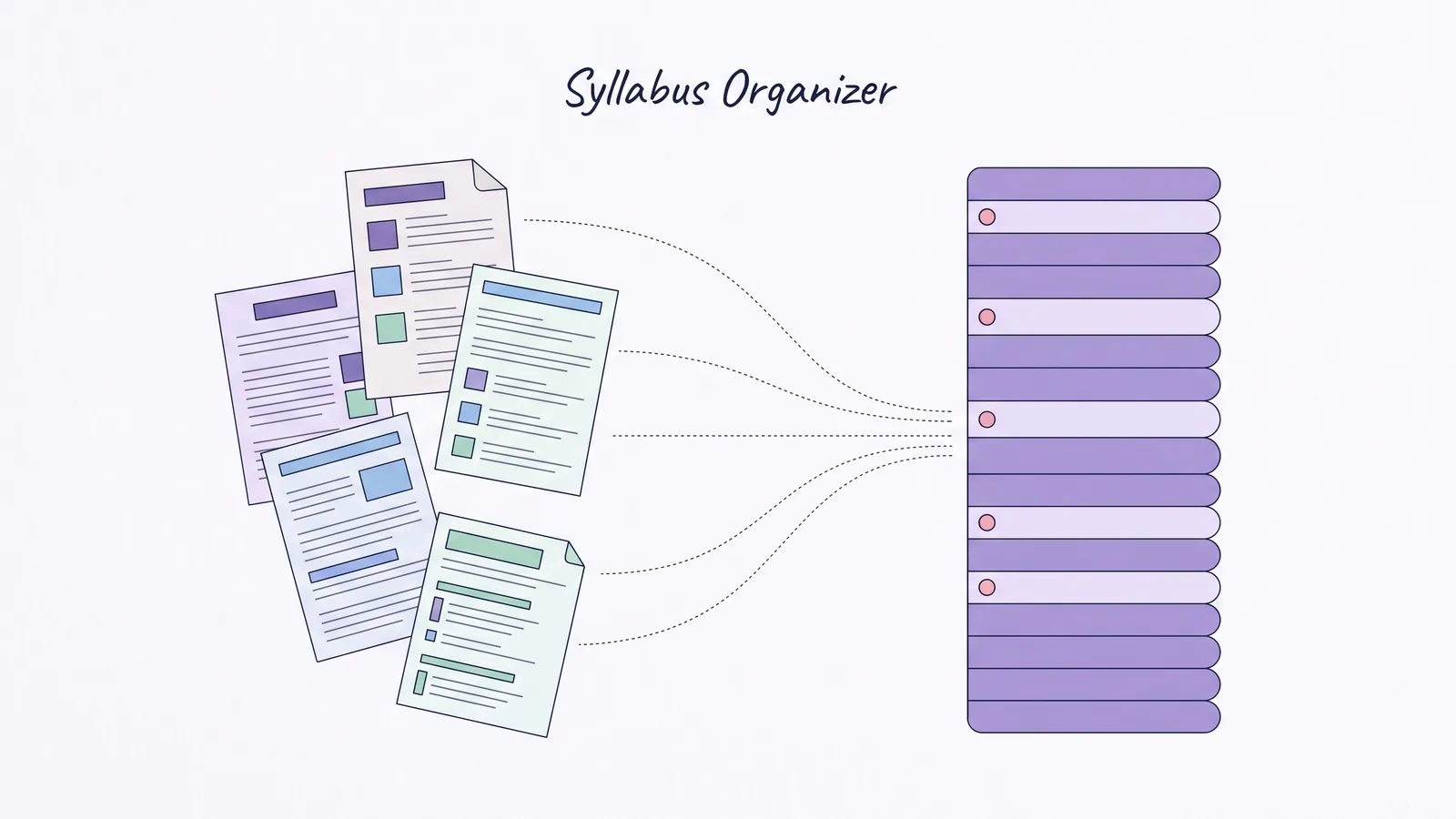
It's the first week. Five syllabi land in five different places: one on the course site, one handed out in class, one buried in an email, one behind a login you had to reset twice. Each one lists dates in its own layout.
Ultimate Student Planner is a Google Sheets and Excel planner by Cosmo Suite (ultimatestudentplanner.site), and it is a student planner spreadsheet that sorts every class's due dates in one list. The method below works in any sheet, notebook or app.
Everyone says to read your syllabus, which is the easy part. The trouble is that five documents each hold a slice of the semester, and no single page shows all five at once.
A syllabus organizer fixes that. You read each syllabus once for the dates and the rules that decide your grade, then put every date into one list sorted across all your classes. On a Tuesday night you check the list, not the syllabus.
The Short List
- Read each syllabus for two things: every dated item, and the grading and late-work rules.
- Put all dates into one list sorted by date, with the class name on every row.
- Keep the list separate from your calendar. The list says what is due; the calendar says when you have time.
- When a date moves, change it the same day and look at that week again.
What a Syllabus Organizer Actually Holds
A syllabus organizer is one list of every dated item from every course, sorted by date, with the class name on each row. It is not a copy of the syllabus. The syllabus stays the source; the list is the part you read every day.
Grade weight is the share of the final mark that one item carries. That number tells you which row matters, and most students leave it out when they type a date.
A recurring item is work that repeats on a day of the week instead of carrying one date. A weekly journal is one. A Friday reading response is another, and so is a lab you submit every second Tuesday. They belong in the list too, with the weekday in place of the date.
A term date is a date that belongs to the university rather than to one course. The last day to drop a class is one. So is the first day of the final exam window. These sit on the academic calendar page, not the course schedule, so they are the ones students miss.
Most courses ask you to do the same extraction, and university guidance is consistent about it. Suffolk University's academic success page breaks a syllabus into sections. It treats the course schedule as the section that lets you "look ahead and see when assignments are due, when exams will occur". Kent State's Tuscarawas campus puts it more bluntly: if the instructor lists the due dates on the syllabus, "it is not their responsibility to remind you of due dates. You need to consult the syllabus to keep track for yourself."
The reminder system is you, which is the argument for one list. You need one place to look.
Two cautions come with it. Syllabi differ in layout, so you will not find the same section in the same spot twice. And a syllabus is a plan, not a contract that never changes. Suffolk's page says plainly that "the professor could update/change some items on the course schedule", so the list has to be easy to edit. A list you cannot correct in ten seconds will be wrong by week four.
Syllabus Organizer, Class by Class
Read each syllabus for the same five things, in the same order. Here is one fictional semester of five classes, invented to show the shape of the list. The courses, dates and weights are made up.
| What to pull | Why it goes in the list | Where it usually hides | Example entry |
|---|---|---|---|
| Every dated item | It is the list itself | Course schedule, "important dates", weekly topics table | Psych 101, Exam 1, 6 Oct |
| Grade weight | Tells you which items matter most | Grading section, weighted average or points table | Essay 2, 20% of grade |
| Late-work rule | Decides whether a missed date is a real problem | Policies section, often near attendance | Lab report, 10% a day late |
| Recurring weekly work | Repeats without a single date | "Weekly journal", "reading response" | Journal, every Friday |
| Major term dates | Drop deadline, final exam window | Academic calendar page, not the schedule | Last day to drop, 30 Oct |
Here is the same semester as the list itself, which is the thing you will actually read.
| Class | Item | Type | Due | Weight |
|---|---|---|---|---|
| Psychology | Exam 1 | Exam | 6 Oct | 20% |
| Writing | Essay 2 draft | Paper | 9 Oct | 15% |
| Biology | Lab report 3 | Lab | 12 Oct | 10% |
| Statistics | Problem set 4 | Homework | 13 Oct | 5% |
| Spanish | Oral exam | Exam | 15 Oct | 15% |
| Psychology | Reading response | Weekly | 17 Oct | 10% |
Six rows from five classes, in one order. Nothing in that table needed a special app, only each syllabus opened once and read in the same order every time.
The Five-Pass Setup, Week One
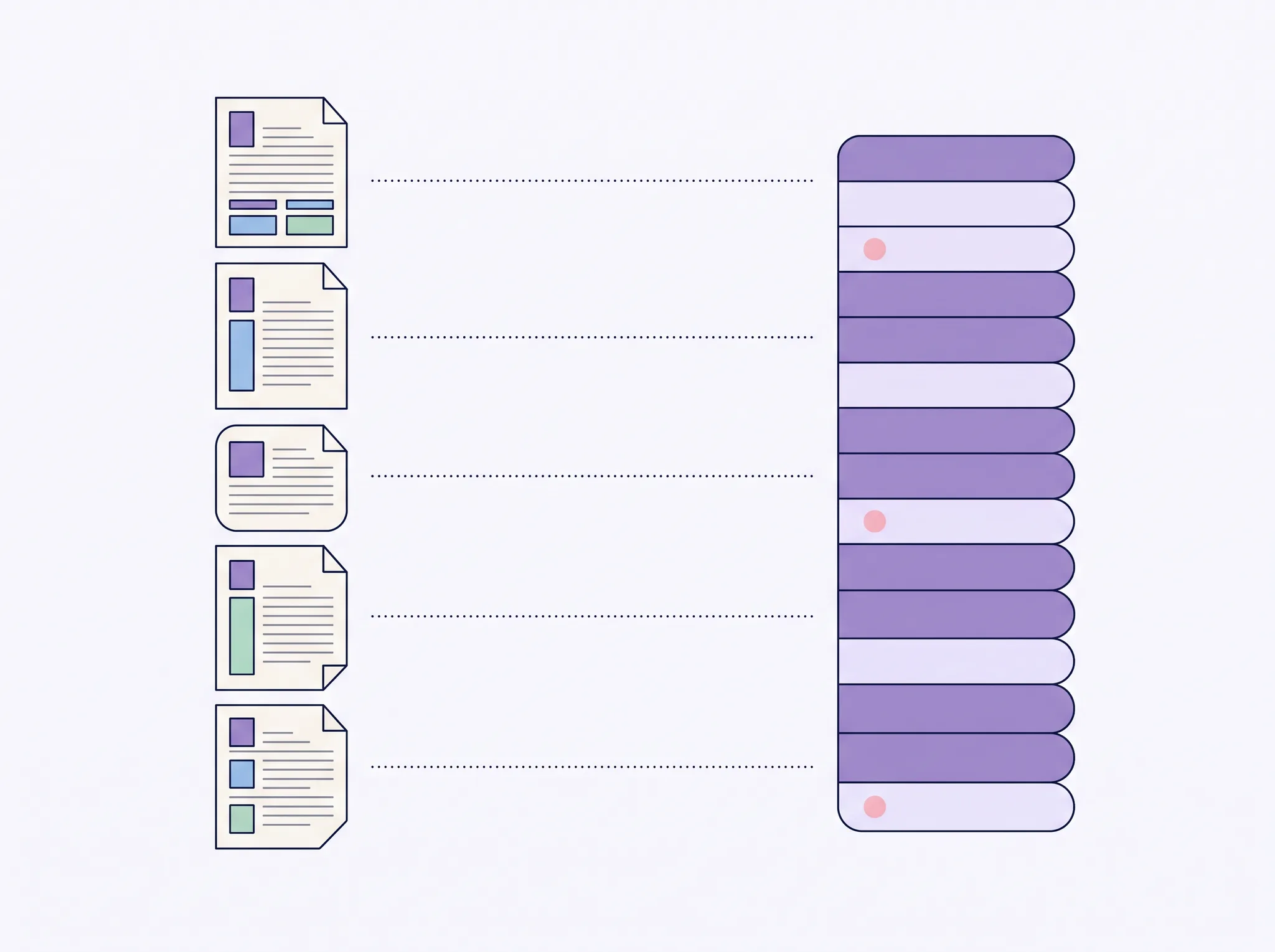
Do this in the first week, in five passes. Each pass covers all five classes before you move to the next one. Reading all the dates first and all the grading second is faster than finishing one syllabus completely and starting the next.
- Collect. Get all five syllabi into one place you can open without a login hunt. Download the PDFs, or photograph the paper ones.
- Dates. Go through every syllabus and enter each dated item: exams, papers, quizzes, projects, presentations, labs. Add the class name and the type on every row.
- Weights. Go back through and add the grade weight beside each item. This is the pass most students skip, and it is the one that tells you where the term actually hurts. A 20% essay and a 2% quiz are not the same row.
- Rules. Note the late-work policy and the attendance rule for each class in one short line per course. You will read these three or four times a term, and never at a good moment.
- Term dates. Add the dates that belong to the university rather than the course: the drop deadline, reading days, the final exam window. They are not on the course schedule.
The University of Toronto Mississauga's academic skills centre recommends the same order. Read each course outline closely. Highlight all the assessment due dates and pay attention to the weighted value of each one. Then mark the dates on a calendar. It adds one step worth copying: break larger assignments into smaller pieces and give those pieces their own dates.
That last point changes the list. For instance, a term paper due in week 12 becomes four rows in weeks 9 to 12, each one a smaller thing you can finish. A single row in week 12 is a row you ignore for two months.

A Sorted List Is Not a Calendar
Keep both, and give each one job. A sorted list answers "what is due next". A calendar answers "when do I have time for it". Mix the two and the semester plan turns into a colour-coded wall you stop reading.
The UNC Learning Center's Calendars and College handout puts the calendar job first. Review your syllabi, then enter the dates of all exams, papers, projects and travel into your planner or semester calendar. It adds a step that only works if the list exists separately: work backwards from each due date to decide when to start. You cannot work backwards from a date you have not written down.
Here is the split that holds up.
| Job | Where it lives | What you do there |
|---|---|---|
| What is due, across all classes | The sorted list | Scan it every Sunday and every morning |
| When you have time | The calendar | Block classes, work, and study sessions |
| What you owe on one item | The syllabus | Check weights and rules before you submit |
| What you have finished | The list, status column | Mark done, or move the date |
One rule keeps the split honest. The list holds every date once, and the calendar holds time. A deadline that appears on the calendar and nowhere else will be missing from the scan that matters.
When a Syllabus Changes
It will change. A professor moves a quiz, adds a reading response, or drops a week. The list is only worth keeping if a change takes one edit.
Do three things when a date moves:
- Change the row the same day. Not "when you next open the file". The moved date is the one you will misremember.
- Look at the week it landed in. If the new date now shares a week with two other items, that week needs attention before the date arrives, not after.
- Check the syllabus again, not just the announcement. A message in class and an updated document do not always say the same thing. Suffolk's page warns that instructors can change the schedule, so treat the current syllabus as the source and the announcement as the early warning.
The third one matters more than it sounds. Kent State's page makes the same point from the other side: if the dates are on the syllabus, the reminder is your job. An announcement that a date moved is a reminder, and the syllabus is still the record.

What Most Syllabus Guides Leave Out
Most guides tell you to read the syllabus and stop there. They skip the part where five syllabi do not add up to a semester until they sit in one order. Three things follow from that.
The weight, not the date, decides where your hours go. A 5% problem set and a 20% exam in the same week are not the same emergency. Once the weights are in the list, you can see which week is actually expensive. Kent State's page works through a points example for exactly this reason. An item that looks large can be a small share of the final grade. An item that looks small can decide the letter.
Recurring work hides between the dated rows. Weekly work such as a journal or a reading response often appears as a line in a schedule rather than a date. They still need a place. Put them in the list with the day of the week, and they stop being surprises.
A list you cannot edit is a list you abandon. A paper syllabus and a printed calendar fail together for this reason. The first change makes both wrong, and correcting them costs more than ignoring them. A file you can edit in one place survives.
How the Ultimate Student Planner Handles This
We make the Ultimate Student Planner, so weigh this section accordingly. It is a student planner spreadsheet for Google Sheets and Excel with an Assignments tab built for exactly this list. In the planner's own words: "Every class and its assignments, sorted by due date."
It holds up to 10 classes and 300 assignments a semester, with a colour per class on every tab. Each assignment row carries the class, the type (assignment, exam, quiz, project, reading), status, priority, estimated time and grade weight. The tab sorts by due date by itself and filters by class or status. The Calendar tab is a month view filled from Assignments. The This Week tab shows what is due in the next 7 days, what is overdue and the next exams. A new semester starts from the clean copy.
Two limits to be straight about. It does not read or import a syllabus file, and it does not sync with a course site or calendar app. You type each date once, the same work the five-pass setup asks of any tool. There are no reminders either, so the Sunday scan is still yours. The student planner guide shows the full tab set, and the semester planner guide covers the term map the list feeds into.
What to Check Each Sunday
Ten minutes on a Sunday keeps the list worth reading for the whole term. Five checks cover it.
- Every class has rows. A course with no entries has either no dates or a syllabus you did not finish reading.
- The next two weeks are complete. Look at the rows due in 14 days and ask whether anything in that window is missing.
- Weights are filled in. An item without a weight is an item you cannot rank against the rest.
- The crowded week is marked. If three items share a week, you know it before the week starts, not during it.
- Finished items are marked done. A list that keeps everything looks just as busy in week 10 as in week 1.
The list is a tool for reading the term, not a record of effort. Keep it short enough to scan in a minute and current enough that the top of it stays true.
What to Do With the List Once It Exists
The list answers a different question than a study plan does. It tells you what is due, and it does not tell you when to work. That is the next job: a study plan you can pick back up after a bad week puts the dates into weekly slots. If the term map matters more than the week, the semester planner guide linked above shows how one page holds every class's dates before week two.
Start with the syllabus that arrives first and add the others as they come. Five documents become one list in about an hour, and the list is the only part you need to read again.
Calculation note: every course, date and grade weight in this guide is fictional. They are made up to show the shape of a syllabus organizer, and none comes from a real student, school or syllabus.
Methodology: the five-pass order and the list-versus-calendar split are this guide's own reading order, not a rule taken from any school. The university pages support the principles behind them. None of them prescribes this exact sequence.
Our editorial policy sets how posts are written and checked, and you can read more about the team behind this site or contact us with a correction.
Sources checked 19 Nov 2026. Each page was read in full on that date.
- UNC Learning Center, Calendars and College.
- Kent State University Tuscarawas, Understanding the Syllabus and Getting Organized.
- Suffolk University, How to Read a Course Syllabus.
- University of Toronto Mississauga, Six Steps to Create a Personalized and Effective Study Plan.
Frequently asked questions
Does a syllabus organizer work for high school?
Yes. The method works wherever a teacher hands out a course outline with dates and grade weights. High school schedules often add daily homework that the outline does not list, so keep a second line for what each teacher says in class. The planner is built around a college semester and works for high school classes too.
How long does it take to organize five syllabi?
Plan about an hour for five classes in the first week, and longer the first time you do it. Most of the time goes into reading the grading and late-work sections properly, not typing. You can add dates faster on the second pass once you know where each course hides them.
Should I type every date, or can an app read the syllabus for me?
Both work. Some tools read an uploaded PDF and pull out deadlines. The catch is that a tool cannot tell you whether a date is a real deadline or a suggested reading. Read the grading and late-work sections yourself, then let a tool handle the typing if you want one.
What happens when a professor changes a due date?
Change it in your one list the same day, then check whether the week it sits in is now crowded. If a second deadline moved into the same week, look at that week before the new date arrives. A moved date is normal, and the list is only useful if it matches what the syllabus says now.
Where should the due dates live, a calendar or a list?
Use both, for different jobs. A calendar shows the shape of the week and where your time goes. A sorted list shows what is due next across every class. The list is where a syllabus organizer does its work, because it puts five courses in one order.
What if a syllabus lists no dates at all?
Then the dates come later, in class or on the course site. Leave a line for that course in the list and add dates as they appear. Check the course site each week so the list stays current, and ask in class if a major item still has no date.
Can the Ultimate Student Planner read a syllabus file?
No. You type each date into the Assignments tab once, with the class, type and grade weight. There is no import and no sync from a syllabus, a course site or a calendar app. In exchange, the list is yours, sorts by due date, and opens in Google Sheets or Excel.