How to Create a Study Plan You Can Pick Back Up After a Bad Week
How to create a study plan in four stages: classes, due dates, weekly slots, and a reschedule list that gives a missed session a clear place to go.
By Ultimate Student Planner by Cosmo Suite · Editorial policy
Published · 7 min read
A study plan is a record of course work, due dates and the time you can give to them. It can stop fitting when a shift runs long, you get sick, or a group project takes up the time you expected to use. A missed session can make a rigid plan hard to resume. If you want a workbook that keeps due dates and study sessions in their own lists, Ultimate Student Planner is made for Google Sheets and Excel.
This guide builds the plan in four stages, then shows what to do when a session slips. Use the stages as a base. On a rough week, move the missed session and keep the rest of the plan in view.
How to Create a Study Plan: The Four-Stage Build Order
Build your study plan in four stages, in this order: classes, due dates, weekly slots, then a reschedule list. Each stage uses information from the one before it. Starting with weekly slots before you know your commitments or deadlines can create conflicts and leave important work out.
| Stage | What you add | What it answers | Done when |
|---|---|---|---|
| 1. Classes | Every course, its meeting times, and your fixed commitments such as work and commuting | When am I already busy? | Your week shows no unexplained gaps or overlaps |
| 2. Due dates | Every exam, paper, problem set and project date from each syllabus | What is coming, and in what order? | Every syllabus has been read once and every date is on one list |
| 3. Weekly slots | Repeating study blocks placed in the free time left over | When will I actually work? | Each course has named slots and each slot has a specific task |
| 4. Reschedule list | A running list of missed or bumped sessions, plus one rule for moving them | What happens when I miss a block? | The list exists, is visible, and has a rule attached |
Start by collecting your fixed commitments and deadlines. Once those are on the page, you can decide where study sessions fit.
Stages 1 and 2: Put Classes and Due Dates on One Page
Stages 1 and 2 give you a single page showing when you are busy and what is due. Do both at the start of a term, or when you decide to make a plan mid-semester. You can update the list when a course changes a deadline or adds a requirement.
Stage 1: classes and fixed commitments. Write your week as it already is. Add lecture times, labs, discussion sections, work shifts, commuting and anything else that repeats. Include sleep and meals if your schedule is tight, because those are the first things a plan quietly steals from. The Cornell Learning Strategies Center's schedule guidance recommends building a balanced schedule around existing commitments and other needs.
Mark which commitments are fixed and which can move. A lecture time may be fixed for the term, while a work shift or appointment may vary by week. Add a one-off commitment only to the week it affects. This helps you see the time that is actually available before you choose a study slot. It also gives you a clear starting point when a new commitment appears and the week needs a small adjustment.
Stage 2: due dates. Open every syllabus and copy each exam, paper, quiz, problem set and project date onto one list, sorted by date, with the course name next to each. Then mark the weeks where several dates cluster. Those are the weeks you will protect first. The University of Toronto Mississauga's Robert Gillespie Academic Skills Centre recommends collecting deadlines from course outlines and syllabi, then setting realistic dates for the parts of larger assignments.
For a large assignment, break the work into smaller steps and give those steps their own dates. Keep the main due-date list in one place so it is easy to scan. If a professor changes a date, update the list and check whether the change affects the week you already planned.
At the end of stage 2, you should be able to see which deadlines are coming next and which weeks may need more attention. If several dates land close together, note that now. You can use it when you decide which open slots to reserve, without turning the due-date list into a second schedule.
Stages 3 and 4: Weekly Slots, a Reschedule List and the Recovery Rule
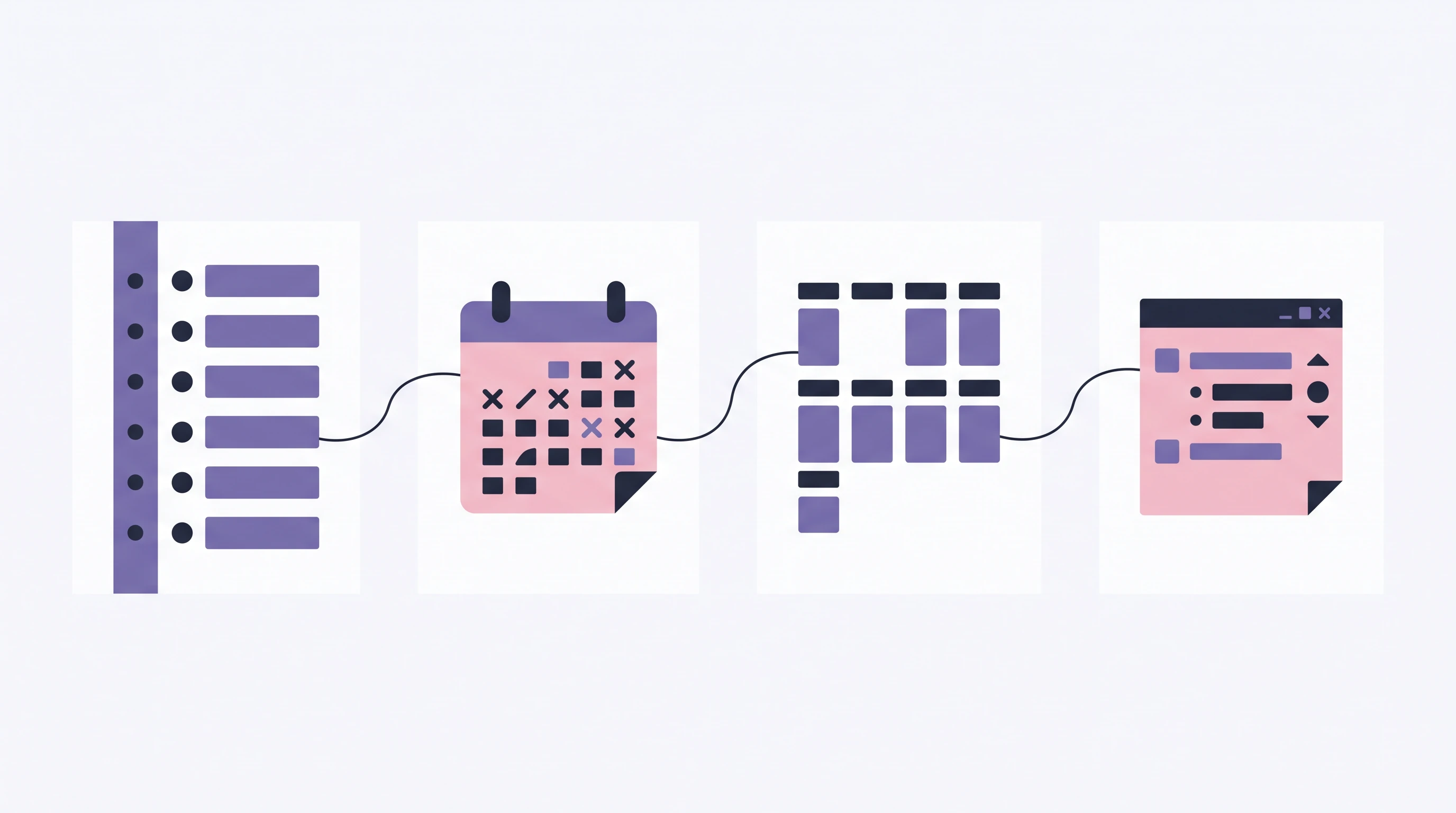
Stage 3 turns the free time into repeating study slots, and stage 4 gives missed slots somewhere to go. The recovery rule ties them together: move a missed session to the next open slot before your next weekly review, while keeping the rest of the plan intact.
Stage 3: weekly slots. Look at the free time left after stages 1 and 2. Choose blocks you can realistically keep and give each one a course and a task type, such as "problem set practice" or "reading and notes". A slot labeled only "study" leaves the task undecided. Add a course and a next action, such as "read the lab notes" or "work through the assigned examples," so you know what belongs in that space. Cornell's Learning Strategies Center recommends balancing study time with breaks and other needs, and setting a regular time to review work across courses. Oregon State's Academic Success Center also recommends leaving flexible time in a weekly schedule for changes. Keep each slot specific enough to tell you what to start, then adjust it at your weekly review.
Leave some time unassigned. A plan with every available hour filled has no room for a change. At your weekly review, use the Ultimate Student Planner workbook to keep its sorted Assignments list beside its Study Plan and to-reschedule list.
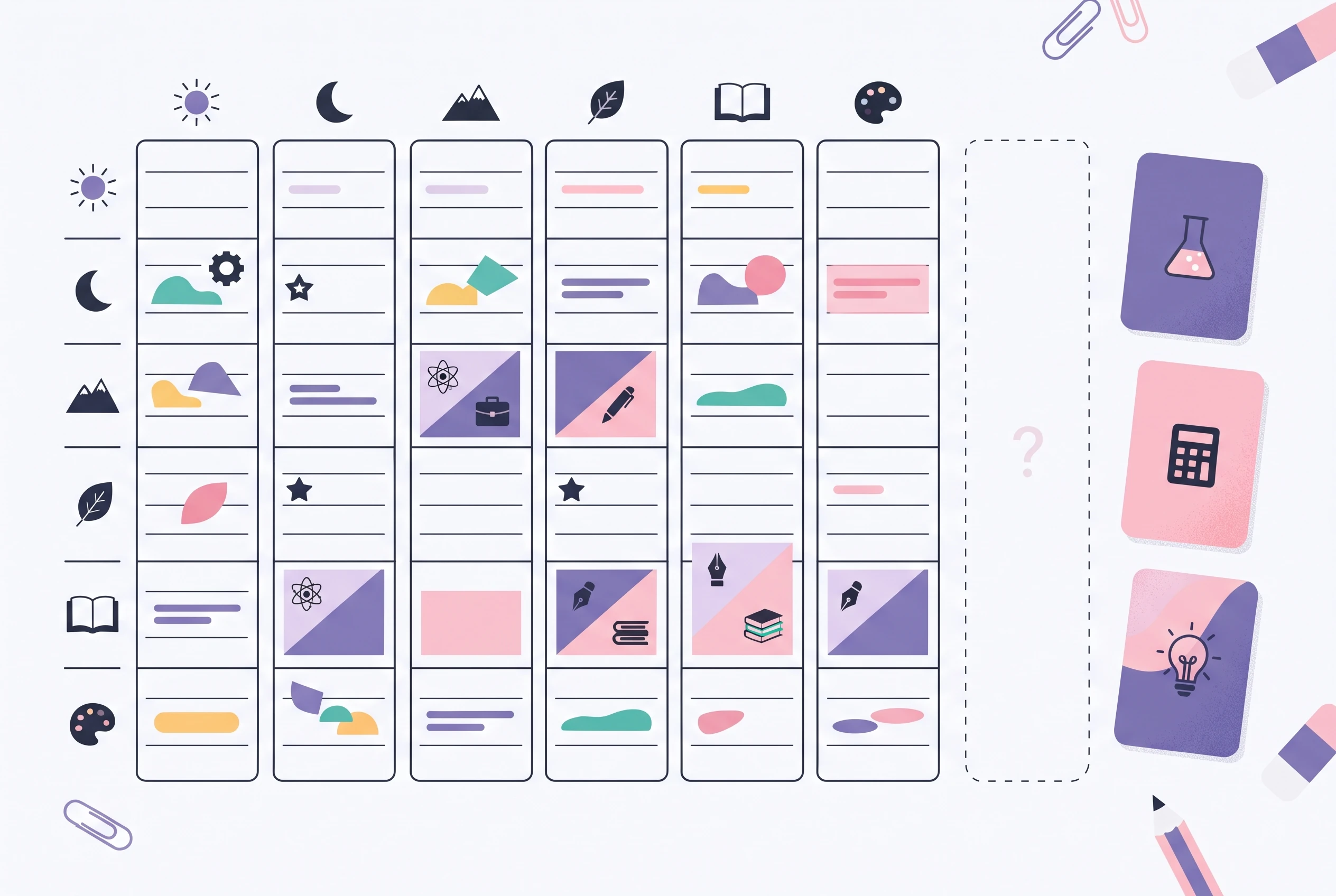
Stage 4: the reschedule list and the recovery rule. Keep one visible list titled "To reschedule". When you miss a session, do three things the same day:
- Write the session on the reschedule list with its course and task.
- Move it to the next open slot before your next weekly review. If there is no open slot, check the time you left unassigned.
- If nothing is free, ask whether the task still needs to happen before the next review. If it does, choose what can move and record that change too. Do not put two sessions into one slot and pretend both still have their original time.
Then stop. At the next weekly review, move the session and keep the other slots that still fit. If the same slot repeatedly proves unrealistic, adjust where it sits.
A hypothetical example: three classes and a part-time job
This example is invented to show the stages working together. It does not describe a real student or a measured result.
Imagine a student taking Introductory Psychology, Calculus I and English Composition, who also works Monday and Thursday evenings.
- Stage 1: Lectures fill mornings and early afternoons. The job covers Monday and Thursday from 5 to 9 p.m.
- Stage 2: The due-date list shows a calculus quiz on the 18th, a composition draft on the 20th and a psychology exam on the 28th. The week of the 18th is marked as crowded.
- Stage 3: Weekly slots: Tuesday 7 to 8:30 p.m. for composition drafting, Wednesday 7 to 9 p.m. for calculus problem sets, Friday 2 to 3:30 p.m. for psychology reading, and Saturday 2 to 4 p.m. left empty on purpose.
- Stage 4: On Wednesday, a coworker asks to swap shifts and the student ends up working until 9. The calculus session does not happen. That evening they write "Calc problem set, section 3" on the reschedule list and place it in Saturday's empty slot.
On Saturday they do the calculus work and the plan carries on. At the next weekly review, they scan the due-date list again, remove the completed session from the reschedule list, and decide whether the following week needs a different slot. The missed session has a new date, and the rest of the week remains in place.
Why Trust This Article
The byline is Ultimate Student Planner by Cosmo Suite, the publisher of the workbook described below. This is general guidance for organizing a study week. For course-specific questions, check your syllabus or ask your campus learning center.
The general ideas here are informed by three public university resources listed in the sources and checked on 15 November 2026. This article was fact-checked against those pages on the same date. Cornell's Learning Strategies Center recommends balancing activities and reviewing course work regularly. The University of Toronto Mississauga's Robert Gillespie Academic Skills Centre describes a flexible plan built around deadlines and other commitments. Oregon State's Academic Success Center recommends leaving flexible time for changes and reviewing the schedule. The four-stage order and recovery rule are the approach used in this guide. The university pages support its planning principles; they do not prescribe this exact sequence.
The Wednesday-to-Saturday example is hypothetical. The student, classes, dates and session lengths are invented, and no results are claimed. Check your own institution's learning center for guidance that fits your courses.
Keep the Plan in One Place With Ultimate Student Planner
A workbook can hold the due-date list and study sessions together, while your fixed commitments still come from the schedule you already use.
Ultimate Student Planner by Cosmo Suite is a Google Sheets and Excel workbook for students. Its Assignments list sorts by due date. Its Study Plan records a date, class, topic, planned time, done time and done tick, with a to-reschedule list. You update the file yourself; it does not sync or send reminders. If you want to see the workbook, visit the Ultimate Student Planner page. For a full-term overview, see the student planner guide or the semester planner guide. The study planner guide explains session rows by class and topic. A study plan template for one course shows a narrower version.
Frequently asked questions
How do I create a study plan from scratch?
Build it in four stages, in this order: list your classes, add every due date and exam, place fixed weekly study slots around your other commitments, then keep a reschedule list for sessions you miss. Finish each stage before starting the next.
How many hours a week should a study plan include?
There is no single right number. It depends on your course load, your classes and how much outside work you have. Start with slots you can realistically keep, then add or trim them at your regular weekly review based on what actually happened.
What should I do when I miss a study session?
Write the session on your reschedule list, then move it to the next open slot before your next weekly review. Do not stack it on top of a slot that already has its own work.
Should I rebuild my study plan after a bad week?
Usually no. Keep the parts that still fit, move the missed sessions to your reschedule list, and adjust a slot if it repeatedly proves unrealistic.
How far ahead should I plan my studying?
Plan the whole term for due dates and exams, and plan the weekly slots one week at a time. Long-range dates tell you what is coming. The weekly slots tell you what to do tomorrow.
Is a paper planner or an app better for a study plan?
Either works if you open it every day and everything lives in one place. The format matters less than having classes, due dates, weekly slots and the reschedule list all visible together.
Sources
Keep reading

Study Planning
Study Planner: Plan Sessions by Class and Topic, and Reschedule What You Miss
A study planner guide to map sessions by class and topic, handle missed blocks, and build a weekly plan you can restart when school gets busy.
· 7 min read
Study Planning
Study Planner Template: Sessions, Topics and Planned vs Done Time
Study planner template with five fields that survive week 3: date, class, topic, planned time and done time, plus one filled example week.
· 8 min read
