Study Plan Template for One Course: Topics, Dates and a Done Tick
Study plan template for one course: list topics, sources, dates and a done tick, then move unfinished work when your week changes. Adjust it weekly.
By Ultimate Student Planner by Cosmo Suite · Editorial policy
Published · 7 min read
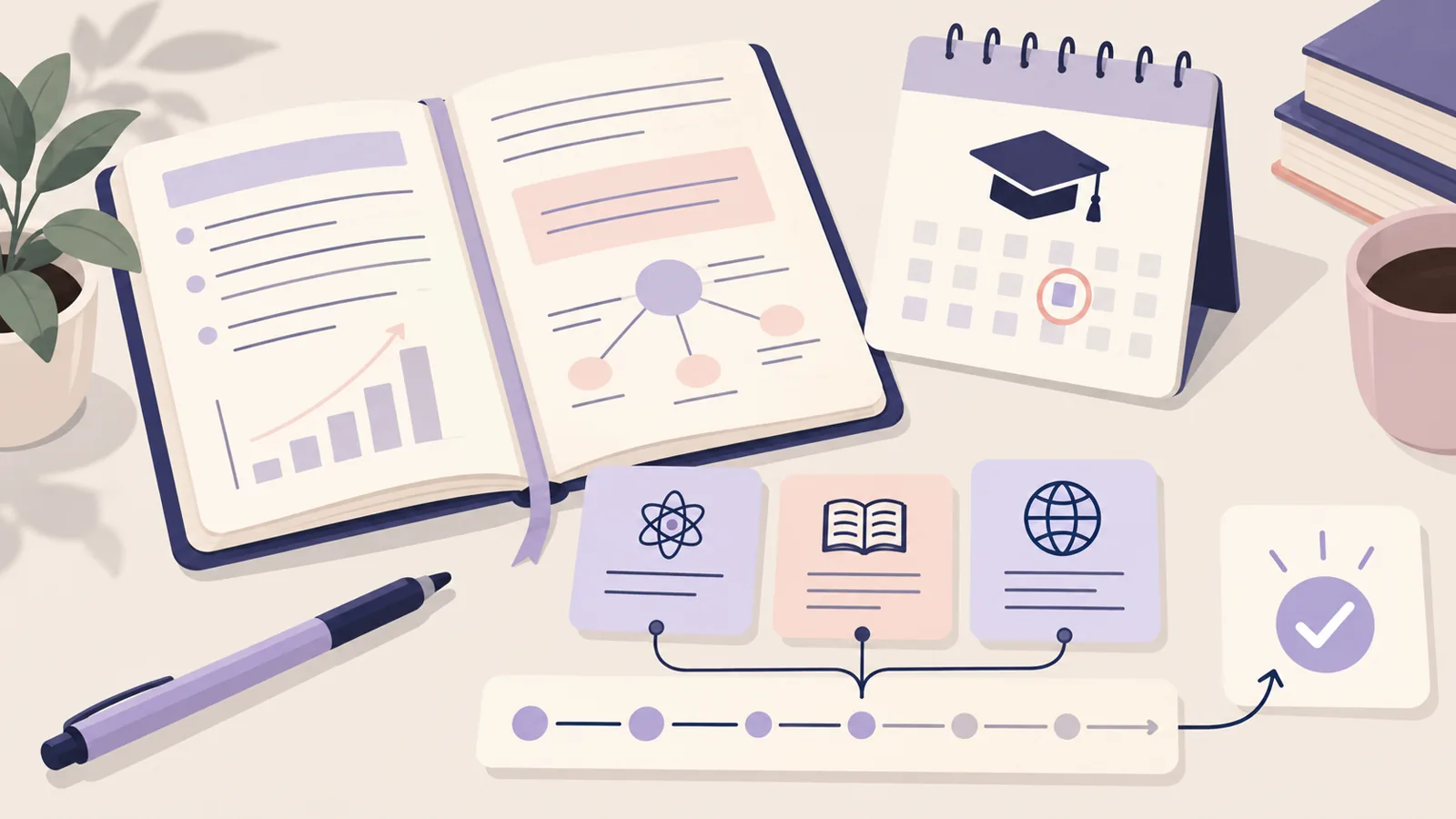
It's Sunday night. Your course page has six topics, an exam date, and three vague blocks called “study.” A study plan template turns each topic into a dated task with a source and a clear next action. Work through one class first. Add other courses if this page helps.
Ultimate Student Planner is a Google Sheets and Excel planner by Cosmo Suite. Its student planner spreadsheet includes a Study Plan tab for planned and done time, plus a list of sessions to reschedule. You can also use the template below in a notebook or document. Choose the next task and leave unused rows blank.
The Short List (TL;DR)
- List the exam date and the topics your instructor says it covers.
- Give each topic a source, a small next action, and a date.
- Mark a task done only after you complete and check it.
- Move missed work to a real opening or reduce its scope.
A one-course study plan template at a glance
A useful study plan template connects a course topic to a source, a specific task, a date, and a status. Copy this table into a document or spreadsheet, then replace the example rows with your own course details.
A study plan template is a short list that pairs each course topic with its source, task, date, and status. It helps you see what to work on next and what still needs a date.
| Course topic | Source to use | Next action | Planned date | Estimate | Status / reschedule |
|---|---|---|---|---|---|
| Cell transport | Lecture 4 notes, slides 12 to 18 | Draw the process from memory, then check labels | Mon, 9 Nov | 30 min | Planned |
| Membrane structure | Course reading, section 3 | Explain the parts in five sentences | Wed, 11 Nov | 25 min | Planned |
| Osmosis problems | Tutorial sheet, questions 2, 3, and 4 | Solve two problems, check each step | Fri, 13 Nov | 35 min | Planned |
The course and dates are fictional. The estimates are placeholders, not recommendations. Your instructor's exam scope and your own week decide what belongs in the real plan.
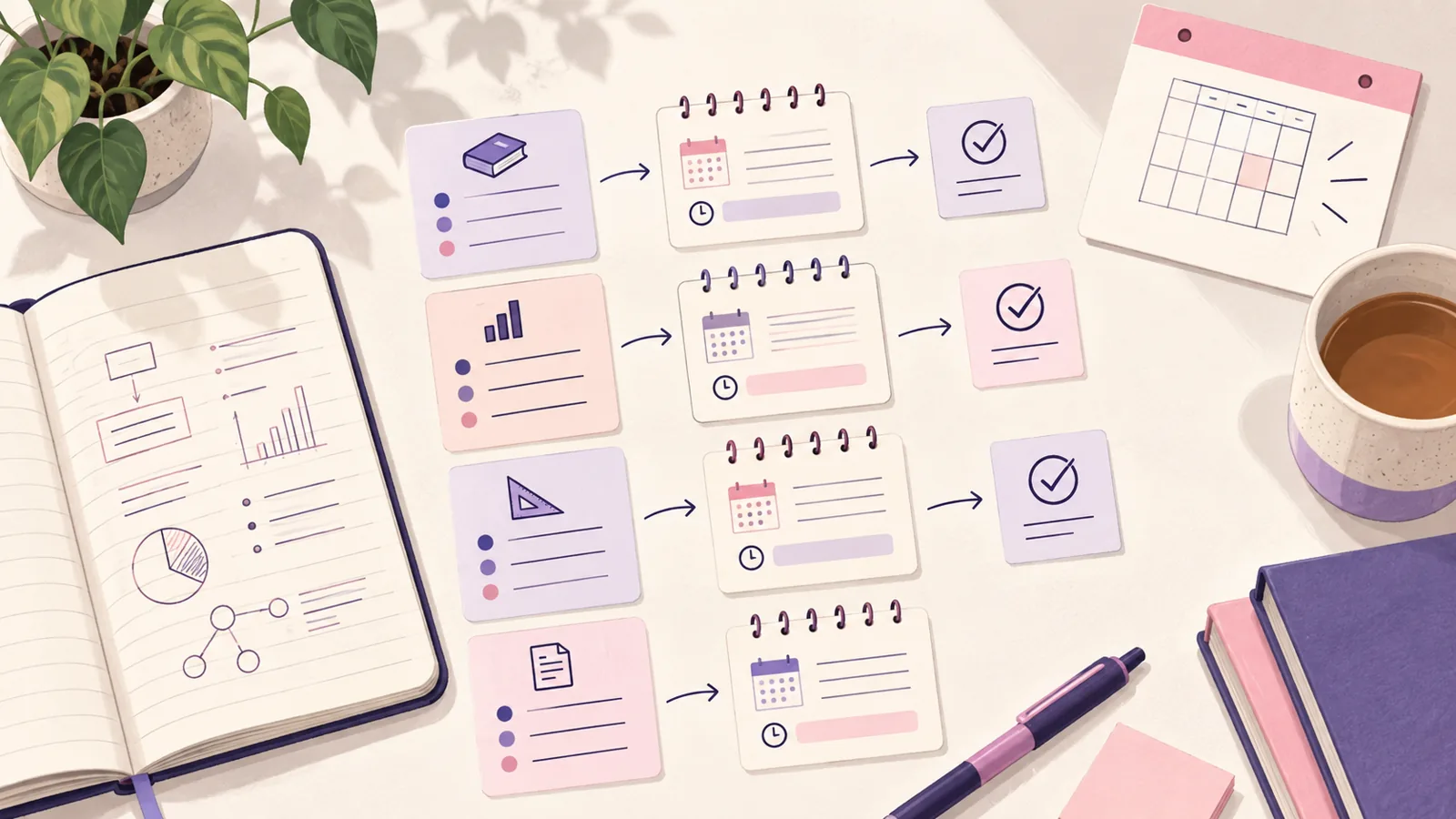
Start with the course source and exam date
Use the syllabus, course site, instructor announcements, and study guide to build your topic list. Write down where each topic came from. If two course pages show different dates or exam coverage, ask your instructor which one to follow.
The University of Pittsburgh's Seven-Day Test Prep Plan starts by reviewing notes and quizzes, identifying difficult areas, and listing material. It suggests starting about 7 to 10 days before the exam as general guidance. That is one planning window, not a rule for every course.
Put the confirmed exam date at the top of your page. Then list the topics below it. If the exam covers chapters 4 to 7, use the course's actual chapter titles or learning goals. “Read chapters 4 to 7” is a source, but it is not yet a study task. Add what you will do with that material.
Turn each topic into a small, checkable study task
Write an action that leaves evidence you can check. “Study osmosis” is hard to mark complete. “Draw osmosis from memory, then compare the labels with lecture 4” gives you a start and a finish.
The Ohio State Dennis Learning Center's five-day plan asks students to identify exam topics, find the study guide, divide material into sections, and choose preparation or review strategies. Its sample uses tasks such as making a concept map, reciting a study sheet, and self-testing. Borrow the useful idea: each row should say what you'll do and what you'll check.
Try this three-part task shape:
- Prepare: Read a named section, make a short outline, or work through an instructor example.
- Practise: Answer a question, redraw a process, explain a concept aloud, or solve a problem without copying the answer.
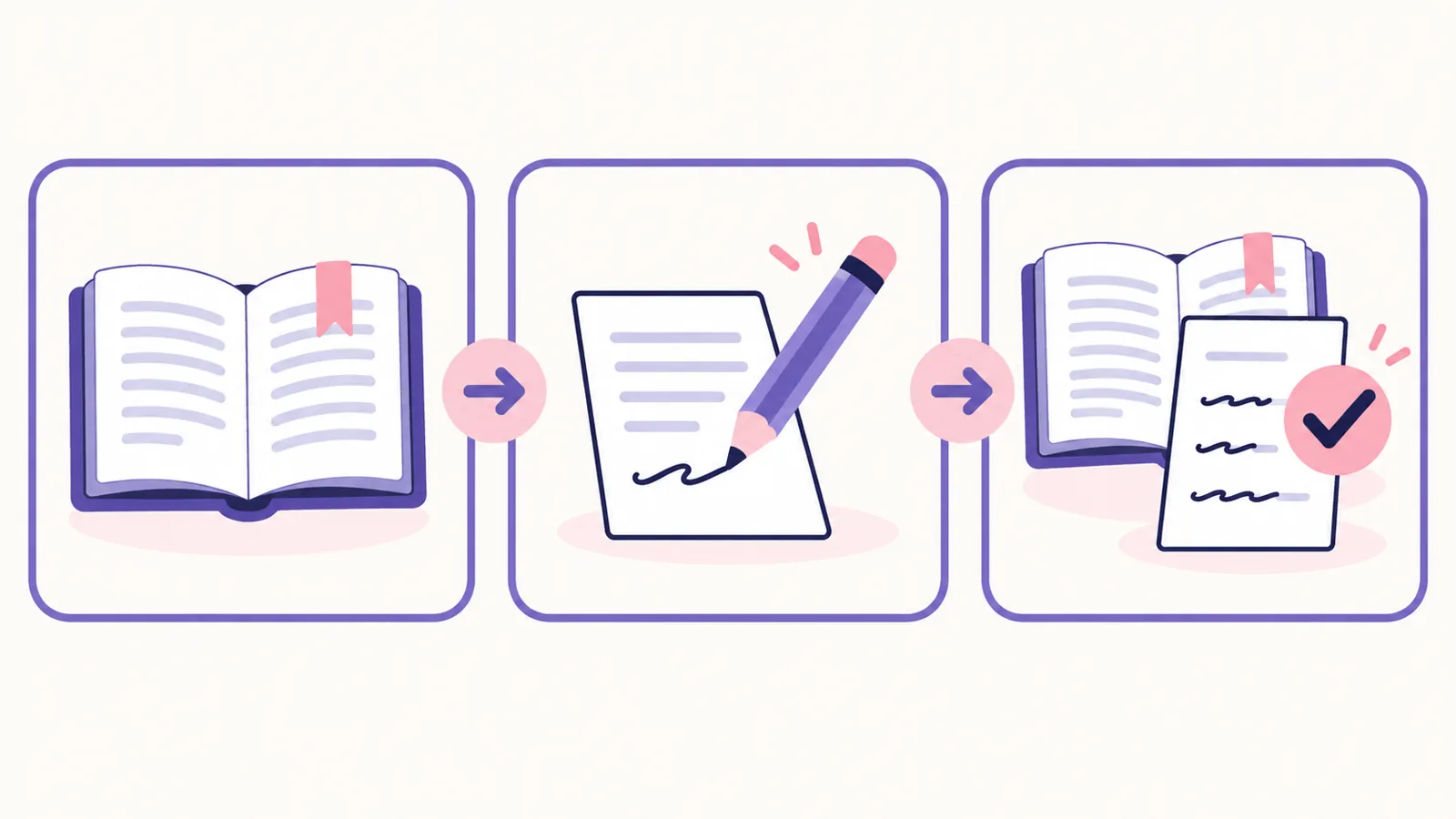
- Check: Compare your attempt with the source and note what is still missing or incorrect.
For example, a fictional biology student might list “cell transport,” use the lecture slides as the source, draw the process without notes, and check the labels against the slides. If the drawing misses a step, make that step the next task. Keep it small enough to check.
How the Ultimate Student Planner Handles This
Ultimate Student Planner keeps a study plan alongside classes, assignments, a calendar, and a weekly planner. Its Study Plan tab records planned and done time and has a list for sessions you need to reschedule. The file comes in Google Sheets and Excel, with sample and clean copies.
The Ultimate Student Planner spreadsheet for Google Sheets and Excel is one option if you want those linked student-planning tabs in one file. Its study plan is for recording sessions and time. It does not create topic tasks from your syllabus, import course pages, sync with a calendar app, or send reminders. Add the topic and next action yourself, using the table above as a guide.
If you need a plan across several courses, see the finals study schedule example for a fictional multi-course calendar. The three-week finals plan covers weekly milestones before exam week. This post stays focused on the rows for one course.
Put dates beside topics, then check your real week
Choose dates by counting backward from the exam and checking your other commitments. A topic list says what to cover. Dates show when you might work on it. Your plan should make room for classes, work, travel, meals, and anything else already fixed.
Use one row per task, not one row per vague subject. If a topic needs more than one session, split it: review the source, practise one kind of question, then check mistakes. Leave some open space instead of booking every available hour. Your estimates will get more useful after you try the first few tasks.
The University of Toronto Mississauga's study plan guide treats a plan as flexible and includes academic, work, and personal commitments. It also recommends revising the plan as needs change. Use that as permission to adjust your dates, not as a reason to abandon the whole page.
Use a done tick that tells you what happened
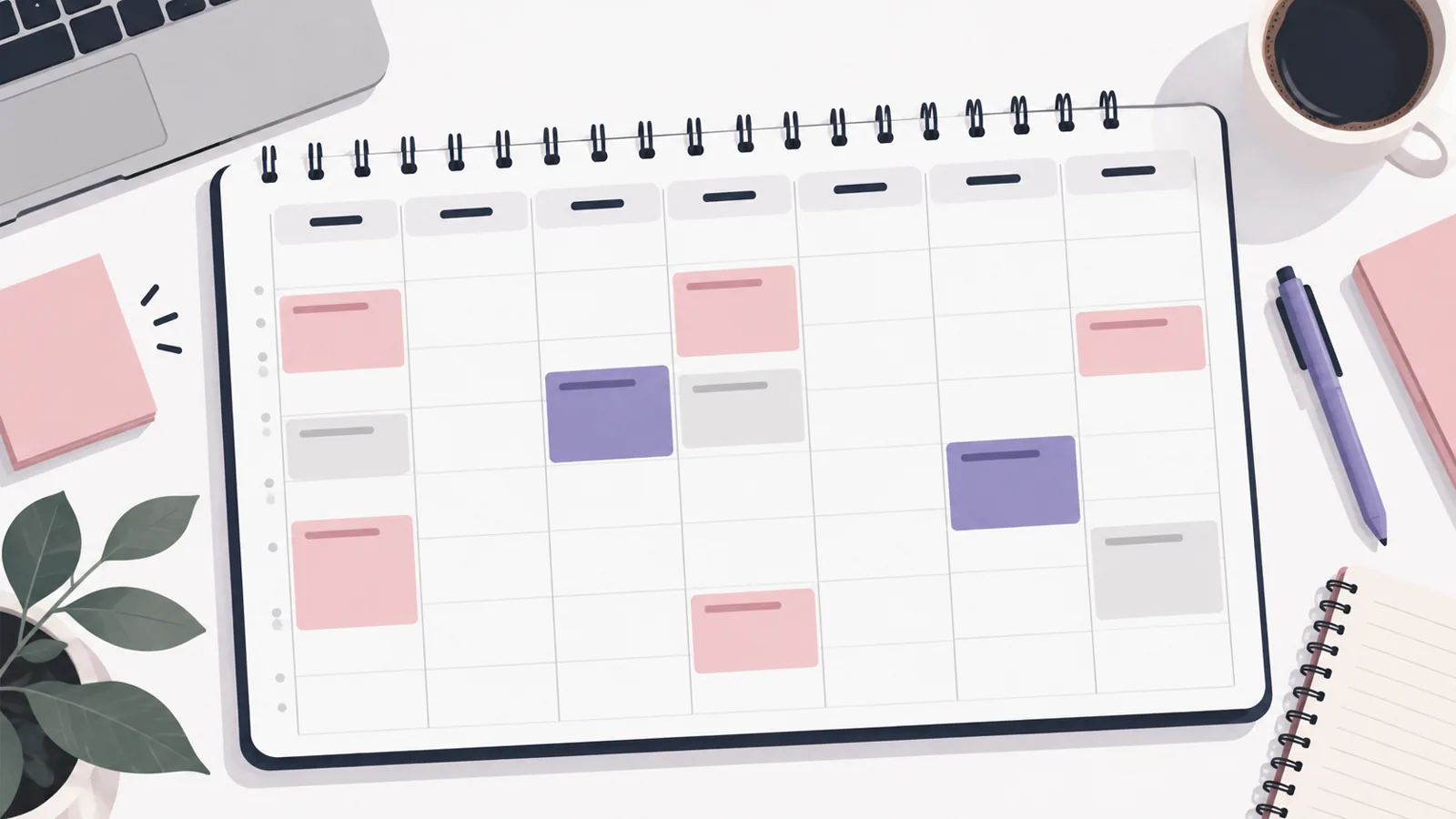
A done tick should mean the task is complete, not only that you opened the notes. If you planned to solve two problems, show whether you tried them and checked the steps. A short note such as “redo question 2” is more useful than a tick beside an unfinished task.
Keep the status simple. “Planned” means the task has a date. “Done” means you completed it and checked it against the course source. “Move” means it needs another date. If your course uses a specific method or format, follow that instead of this generic example.
You do not need a score column. A study plan tracks work and follow-up. It does not predict your grade or prove that you have mastered a topic. If you cannot resolve a question using your class material, write down the question and bring it to office hours, tutoring, or your course forum.
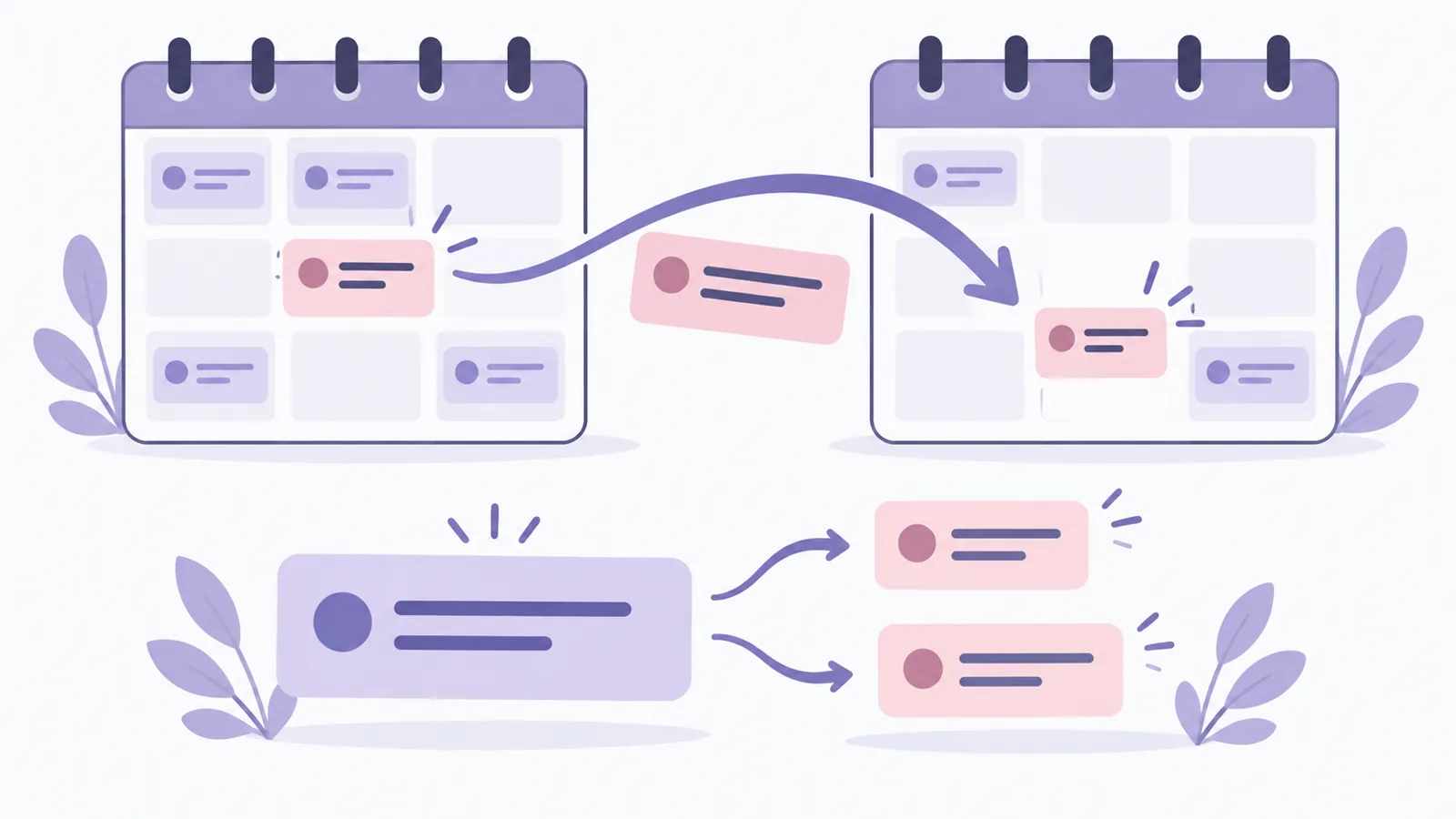
When a study session moves
When a session gets missed, keep the task visible and choose what happens next. A blank day does not tell you whether the task was finished, moved, or no longer needed.
- Keep the unfinished task. Copy its next action into the reschedule column.
- Choose an open date. Check your real week and the exam date before moving it.
- Adjust if needed. Split a large task, shorten its scope, or ask your instructor what to prioritize when time is tight.
If the task no longer fits, do not hide it by stacking it onto an already full day. Update the plan and make a choice. The University of Toronto guide also recommends revising a study plan when tasks or priorities change. Your next version can be smaller and more realistic than the first one.
Paper, document, or spreadsheet?
Use the format you can check and update. A paper page is quick to carry. A document is easy to duplicate. A spreadsheet can hold repeated rows and let you sort by date, but it still needs your course information and updates.
| Format | Works well when | Watch for |
|---|---|---|
| Paper | You want one page beside your notes | Leave room to change dates |
| Document | You prefer typing a short plan | Keep the latest version easy to find |
| Spreadsheet | You want to sort multiple tasks by date | Do not confuse sorting with automatic course imports |
The same fields work on paper or on a screen: course source, next action, date, and status. Start with one course and keep only the fields you will update.
Sources: University of Pittsburgh Dietrich School Study Lab, “The Seven-Day Test Prep Plan” (checked 31 Oct 2026); Ohio State Dennis Learning Center, “The 5-Day Study Plan” (checked 31 Oct 2026); University of Toronto Mississauga Robert Gillespie Academic Skills Centre, “Six Steps to Create a Personalized and Effective Study Plan” (checked 31 Oct 2026).
Fact-check: University source claims were checked against the linked pages on 31 Oct 2026. Product details were checked against the contents list.
Frequently asked questions
Does this study plan template work for high school?
Yes. Use the exam date and topic list your teacher or school provides. Ask about school-specific requirements, and change the example dates to fit your class week.
What should a study plan template include?
Start with the course, exam date, topic, course source, next action, planned date, time estimate, and status. Add a reschedule date when a session moves.
How do I make a study plan for one course?
Check the syllabus, course site, and instructor guidance. List the exam topics, split broad topics into checkable tasks, choose dates you can protect, and mark what happened after each session.
How far ahead should I plan my studying?
Use the time available before your exam. The University of Pittsburgh Study Lab presents a seven-day test plan and suggests starting around 7 to 10 days ahead as general guidance. Your course and schedule may need a different window.
What if I miss a study session?
Move the task to a real open date and check that it still fits before the exam. If it does not, reduce the task, revise the plan, or ask your instructor what to prioritize.
Can I use paper instead of a spreadsheet?
Yes. The plan needs clear topics, sources, dates, and status. Use paper, a document, or a spreadsheet you can update.
Does a study plan template guarantee a better grade?
No. A template helps you organize tasks and see what is left. It cannot promise an exam result. Follow your course materials and ask for help when a topic stays unclear.
Sources
Keep reading
Study Methods and Exams
How to Study for Finals: A Plan That Starts 3 Weeks Out
How to study for finals: use three weeks to sort course material, set weekly study goals, and make a plan that can change when your week does.
· 7 min read

Study Methods and Exams
Study Routine: A Weekly Rhythm You Can Restart Any Monday
Study routine: build a weekly rhythm around classes, short study tasks, and open time, then move unfinished work instead of scrapping the whole plan.
· 7 min read
