Class Schedule Template: Monday to Sunday, Each Class in Its Colour
class schedule template: organize weekly meetings by day, time, class and room, then see where a spreadsheet fits. Build a clear timetable you can update.
By Ultimate Student Planner by Cosmo Suite · Editorial policy
Published · 7 min read
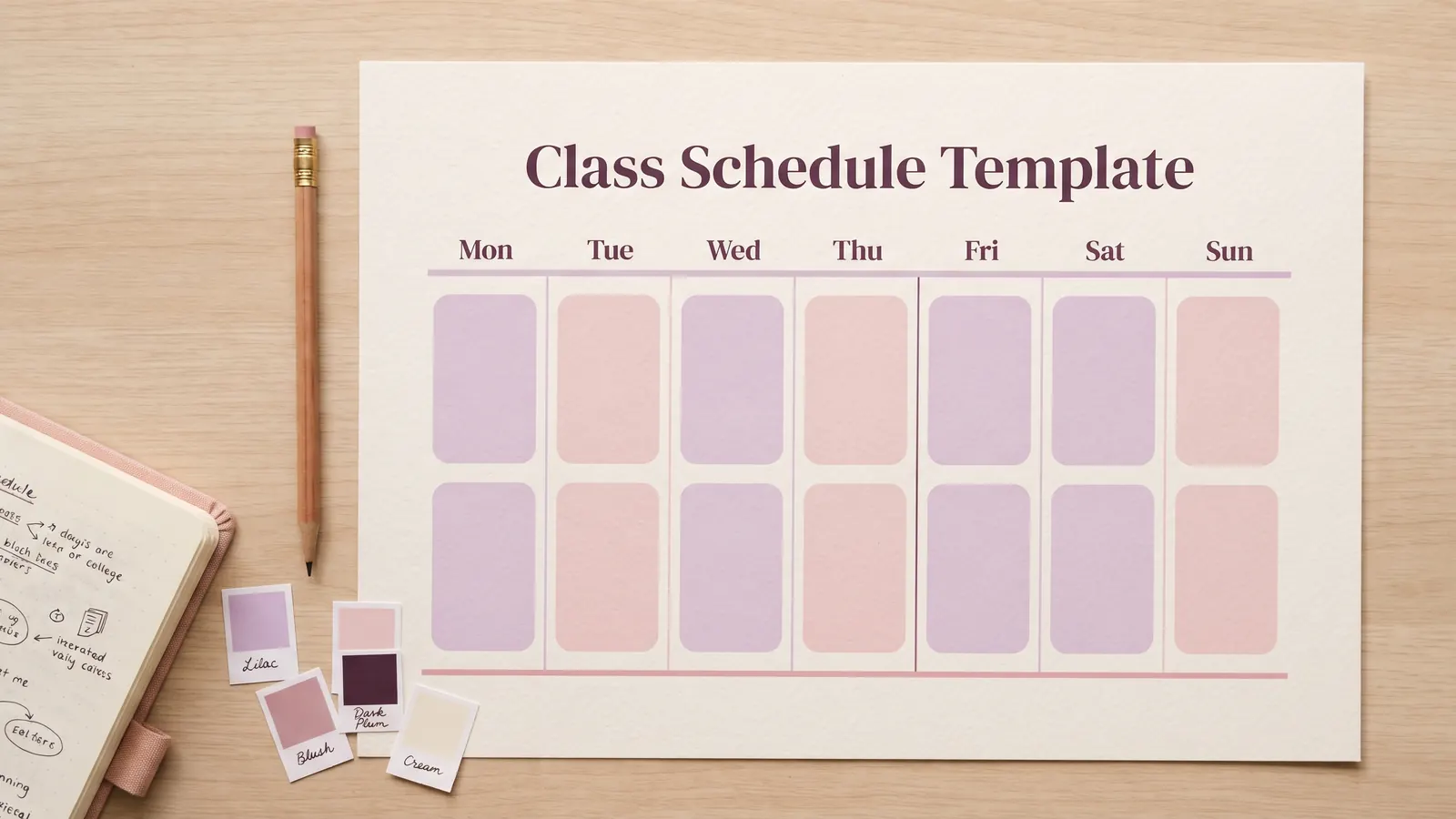
It is week one. Monday starts in a lecture hall, Tuesday in a lab, and Wednesday online. Ultimate Student Planner is a Google Sheets and Excel planner by Cosmo Suite. Its student planner spreadsheet with a weekly class view puts recurring meetings in one timetable. You can also sketch a class schedule template with a day, time, class, and room column.
That simple grid answers a very specific question: where do you need to be, and when? Put essay due dates and study sessions in their own views so the timetable stays easy to scan. Start with the week your classes repeat, then add the details that help you show up in the right place.
The Short List
- Add every recurring class meeting with its day, start and end time, and room or link.
- Keep class meetings separate from assignment due dates and study sessions.
- Use a class name and a consistent color so each block is easy to scan.
- Check the grid against the current syllabus or course site when the term changes.
Start With the Meetings That Repeat Every Week
Start with the meetings you'll repeat each week. Check the latest syllabus or course site for the course name, days, start and end times, room, and meeting link. Add labs or discussion sections as their own meetings when they have separate times.
For five classes, this may mean more than five blocks. Biology could meet for a lecture twice and a lab once. Those are three entries, even though they belong to one course. Keeping every meeting visible helps you notice a tight handoff between buildings or an online session that begins while you're still on campus.
Use the official timetable as the source of truth. A registration page can show one room while an instructor's newer announcement lists another. If the details conflict, check with the department or instructor before updating your personal copy. The student planner guide explains how class details connect to the wider semester view.
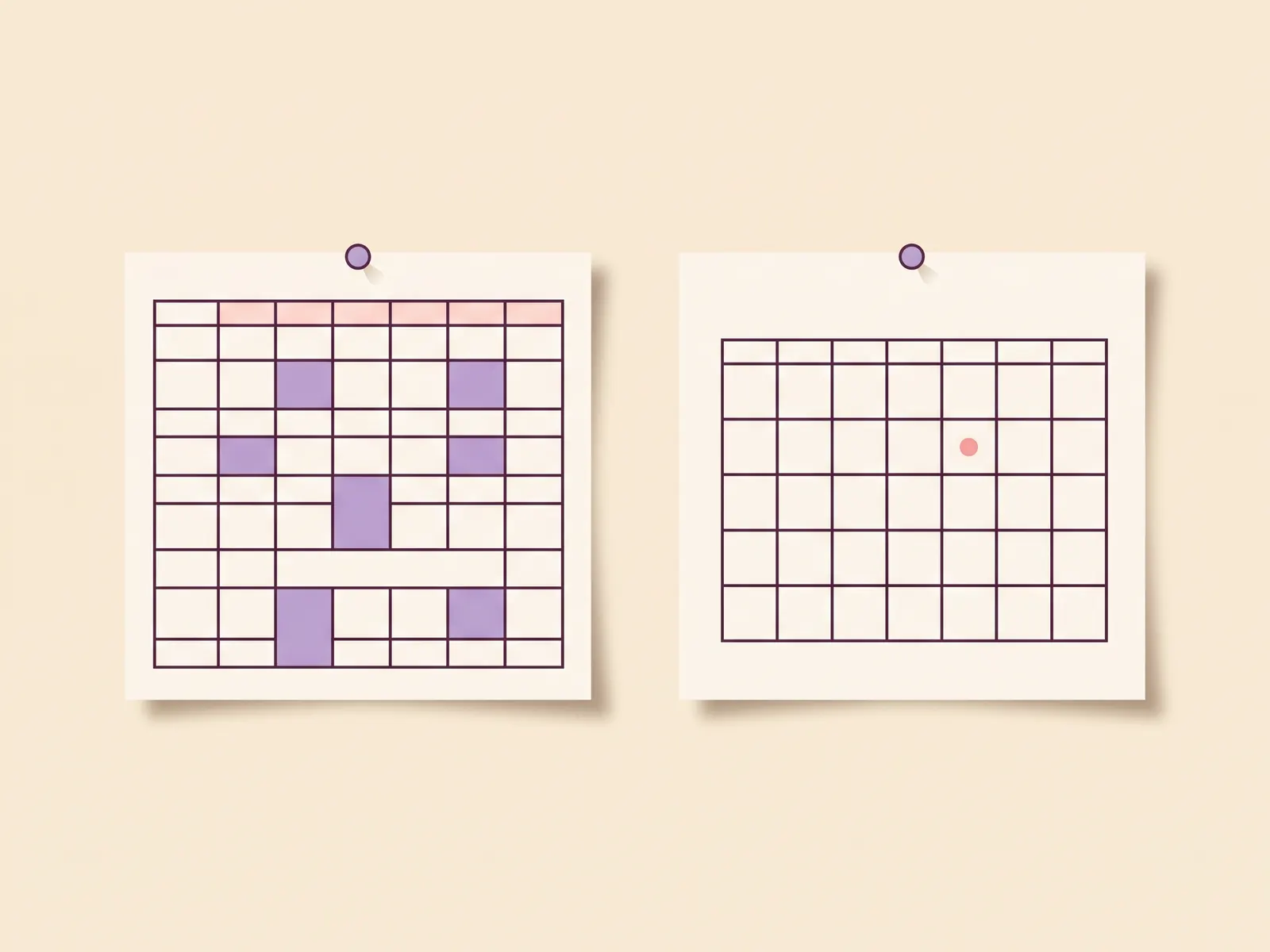
A Class Schedule Template, Class by Class
A useful weekly grid shows the class, time, and location together. This fictional example uses five courses across Monday to Friday. The times, course names, and rooms are examples, not a suggested timetable.
| Day | Time | Class | Room or link |
|---|---|---|---|
| Monday | 9:00 to 10:15 | Biology lecture | Science Hall 214 |
| Tuesday | 10:30 to 11:45 | Economics | North 108 |
| Wednesday | 9:00 to 10:15 | Writing seminar | Library 2B |
| Thursday | 13:00 to 14:50 | Chemistry lab | Lab 3 |
| Friday | 9:00 to 10:15 | Biology discussion | Science Hall 214 |
| Friday | 11:00 to 12:15 | History | Online meeting link |
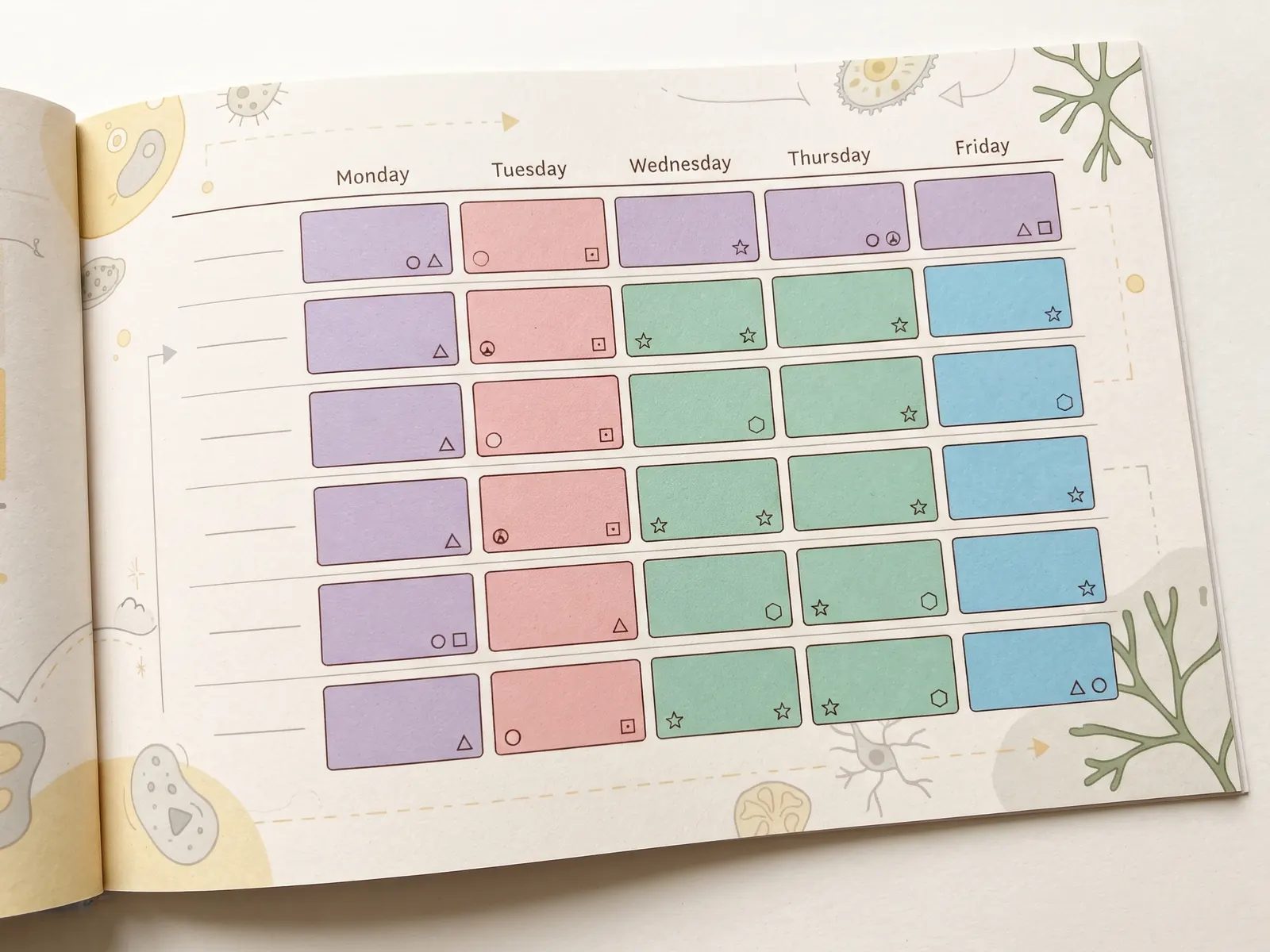
To recreate the structure, place days across the top and time ranges down the side, or use one row per meeting. A grid works well when many classes share the same time slots. A meeting list is easier to maintain when start times vary. Either way, keep the class name and location beside the time. A colored block without a label can turn into a guessing game by Thursday.
Leave room for the parts of campus life that affect the next meeting. A class ending at 10:15 and another starting across campus at 10:30 may be possible, but check the walking time. Add a small transition note if you need to remember a bus, building entrance, or equipment pickup.
Class Meetings, Deadlines, and Study Sessions Need Separate Places
A class schedule template is a weekly layout of recurring meetings with days, times, course names, and locations. An assignment calendar is a dated list of quizzes, papers, exams, and other due work. A study plan is a set of sessions tied to a course or topic. Each view answers a different question.
A Monday lecture belongs in the weekly schedule because it repeats. A paper deadline belongs on the date it is due. A reading session belongs in a study plan if you want to reserve time for it. Putting all three in one grid can make a weekly schedule hard to scan, especially when each course has several assignments.
For a term view, a semester planner setup for your classes and due dates keeps the recurring week separate from the dates that move through the semester. If you're planning work between classes, use a study plan template for one course to name the topic and the next session.
Build a Class Schedule Template in Five Passes
Make the first version small. You can add extra details after the weekly pattern is clear.
- Confirm the source. Check the current course page or syllabus for every meeting. Record the section if two sections have different times.
- Add repeating meetings. Enter each class day and time, including labs and discussions. Don't put a one-time exam in a recurring slot.
- Add the place. Include the building and room, or the link or platform name for an online meeting. Keep the location in the same row as the class.
- Choose readable labels. Use the course name or a short code, and apply the same color each time. Keep the text visible in print and on a phone.
- Check transitions and gaps. Look for overlapping meetings and tight trips across campus. Keep open periods visible so you can decide later how to use them.
The UGA Office for Student Success and Achievement suggests adding classes and meals before other commitments and study time in its Time Management guidance. Use it as a sequence to try, not a rule for every student's week. Your work shift, care duties, commute, and school format may change what needs to go in first.
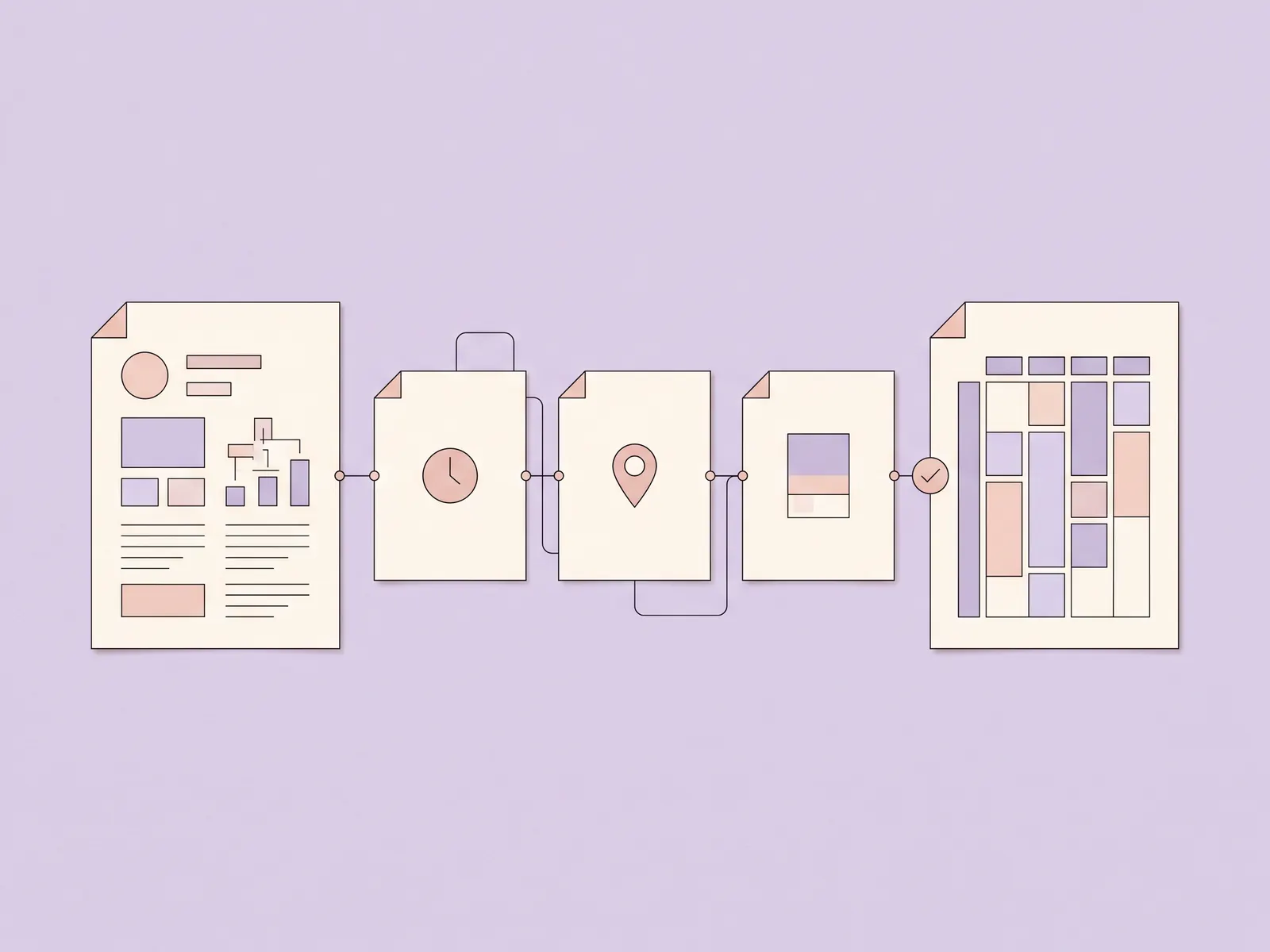
How the Ultimate Student Planner Handles Class Meetings
The Ultimate Student Planner has a Classes tab and a Class Schedule tab. Add a class once with its name, code, color, instructor, office hours, room or link, credits, and notes. The weekly timetable then shows meetings from Monday to Sunday, with each class in its color.
The weekly class schedule and student planning spreadsheet also connects that timetable to the Weekly Planner and This Week views. Those views read today's classes from the schedule. That keeps the weekly meeting information in the same file as the semester calendar and study plan.
The file supports up to 10 classes, and it comes in Google Sheets and Excel versions. The sample copy shows an example semester; the clean copy is ready for your own information. You enter the details yourself. It does not sync with Canvas or another school portal, send reminders, or build an A/B rotation. The Ultimate Student Planner is published by Cosmo Suite. Read the about page for publisher details, the editorial policy for how posts are made and updated, or contact us to report a correction.
A basic spreadsheet may be enough if you only need a blank grid. Microsoft's Excel calendar templates include Monday-to-Sunday layouts and daily schedule trackers. Compare the layout with your course pattern before you fill it in. A standard week won't represent a rotating schedule by itself.
Use Color Without Making the Grid Hard to Read
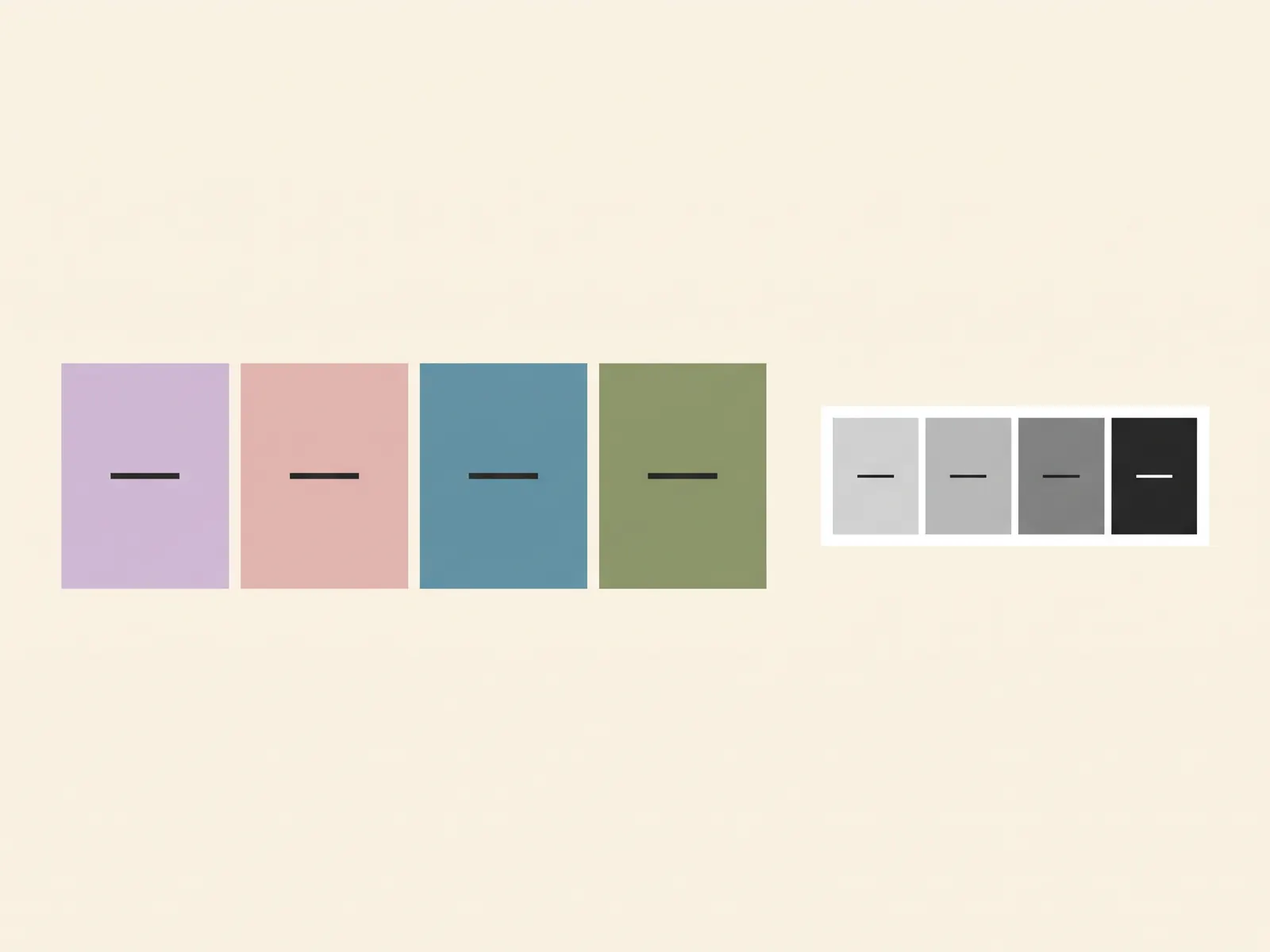
Color can help you spot a class quickly, but the class name should stay visible too. A pale pink block may look different on a laptop, a phone, and a printed page. Pair each color with a short name such as BIO 110 or CHEM LAB.
Google's help page explains that conditional formatting in Sheets can change cell text or background color when a condition is met. A manual fill color can also mark a course. Either way, make the labels do the important work. Don't ask color alone to distinguish a lecture from a lab.
Keep the palette small enough to remember. If two classes look almost the same, change one color or add a stronger text label. Check the schedule in grayscale before printing. A color key should help you find a meeting quickly, even on a grayscale printout.
Update the Schedule When the Term Changes
Review the schedule when a room, section, or meeting time changes. Update the source details first, then check every view that uses them. If you use a paper copy, print a new one after the change so the old room doesn't survive in your backpack for three weeks.
A holiday, canceled class, or special review session may affect one date without changing the weekly pattern. Note that exception where you keep dated events, then leave the recurring schedule intact. If your school moves between A and B days, write down the rotation from an official school source. A standard Monday-to-Sunday grid won't tell you which day is active.
Once the weekly pattern is current, use the open spaces for the rest of your plan. Keep assignment deadlines on the dated calendar and study sessions in the plan you can adjust. If exams are approaching, a finals study schedule built around confirmed exam dates can help you map those separate blocks.
Sources checked 1 Nov 2026: Microsoft Support, “Excel calendar templates”; Google Docs Editors Help, “Use conditional formatting rules in Google Sheets”; UGA Office for Student Success and Achievement, “Time Management.”
Frequently asked questions
Does this class schedule template work for high school?
Yes. Add each class meeting, day, time, and room or link from your current schedule. If your school uses rotating days or a required format, check with your school before relying on a weekly grid.
What should a class schedule template include?
Include the day, start and end time, course name, and room or meeting link. Add the instructor or section when those details help you tell two meetings apart.
Can I put online classes in a weekly class schedule?
Yes. Use the meeting link or platform name in the location column, then check that it is current in your course site. A weekly grid can show when to join, but it does not create a meeting link.
How is a class schedule different from an assignment calendar?
A class schedule lists recurring meetings. An assignment calendar lists dated work such as quizzes, papers, and exams. Keeping both views clear makes it easier to see when class meets and what is due.
Can I color-code classes in a spreadsheet?
Yes. Give each class a consistent color, and keep its name in the cell too. Color should help you scan the week, not carry the only clue about which class a block belongs to.
Can I use a Monday-to-Sunday class schedule in Excel?
Yes. Excel supports calendar templates with weekday layouts, including Monday to Sunday. You can make a simple weekly grid with days as columns and time ranges as rows.
Does the Ultimate Student Planner handle rotating A/B days?
No. Its Class Schedule is a Monday-to-Sunday weekly timetable. If your classes rotate by A and B days, use a planner that represents that pattern or check your school's calendar for the current rotation.
Sources
Keep reading
Student Planners
Student Planner: What It Should Hold for Each Class (Paper, App or Spreadsheet)
Student planner setup for one semester: what to keep for each class, how paper, apps and a spreadsheet compare, and a routine to restart after a bad week.
· 10 min read
Student Planners
Student Planner Template: The 9 Parts a Semester Actually Uses
A student planner template with nine parts for class details, due dates, a weekly plan and grades. See how to build a setup you can restart after a missed week.
· 8 min read

Student Planners
Active Recall: Practise One Class Without Notes
Active recall helps you check what you can produce from memory. Try it in one class with a prompt, a closed-book answer, and a careful check.
· 7 min read
