Student Planner Template: The 9 Parts a Semester Actually Uses
A student planner template with nine parts for class details, due dates, a weekly plan and grades. See how to build a setup you can restart after a missed week.
By Ultimate Student Planner by Cosmo Suite · Editorial policy
Published · 8 min read
A weekly page can look finished and still leave you hunting through course portals for the due date you meant to copy. The problem is often where each fact lives: class details in one place, dates in another, and the plan for this week somewhere else.
Ultimate Student Planner, a Google Sheets and Excel planner by Cosmo Suite (ultimatestudentplanner.site), gives those jobs their own connected tabs. A student planner spreadsheet that sorts each class's due dates is one way to arrange them. This guide shows the nine parts to look for and how they should fit together.
The Short List (key takeaways)
- Keep one class list and one list of due items.
- Use a month view to see the term and a week view to choose what happens next.
- Leave room to move a missed study session.
- Add fields only when you will check them.
A useful student planner starts with one source for class details
A student planner template is one place for class details, due dates and a view of the week. Start with your classes and the important dates in each syllabus. A weekly page is easier to use once you know what needs to happen across the semester.
The University of Arkansas Student Success guide, How to Keep Track of Everything, describes a semester calendar for major dates and a weekly calendar for making a workable plan. It recommends taking dates from each syllabus into the semester view, then using that view to plan the week. The same guide says to adjust planned study time when life interrupts it. That order stops your weekly page from becoming a second place to copy dates by hand.
You do not need a complicated record for every class. Begin with its name and meeting times. Then give every assignment, exam, quiz, project or reading a due date and class label. A grade-weight field or estimated time can help if you use it, but blank extras will not make a plan clearer.
The student planner guide to classes, due dates and formats explains how the main formats handle a semester. The template below narrows that idea to the pieces worth setting up.
Student planner template at the start of term
A useful student planner template has five jobs: set up classes, capture due items, show the term, plan the week and review grades when needed.
| Part | Information to include | Best use |
|---|---|---|
| Set up | Class names and meeting times | Keep each course label consistent |
| Capture | Item, class, type, due date and status | See what is due and what is complete |
| See | Month view, weekly view and personal events | Spot busy periods, then focus on this week |
| Plan | Study session, planned time and done status | Choose a next action and move missed work |
| Review | Weighted items and class grades | Understand course grades using your school's scale |
The month and week views should work together. The University of Colorado Boulder Academic Advising semester-planning guide recommends a month-by-month calendar for semester dates, then using that picture to plan the coming weeks. It also suggests adding your syllabus dates early and using color if it helps you scan the calendar.
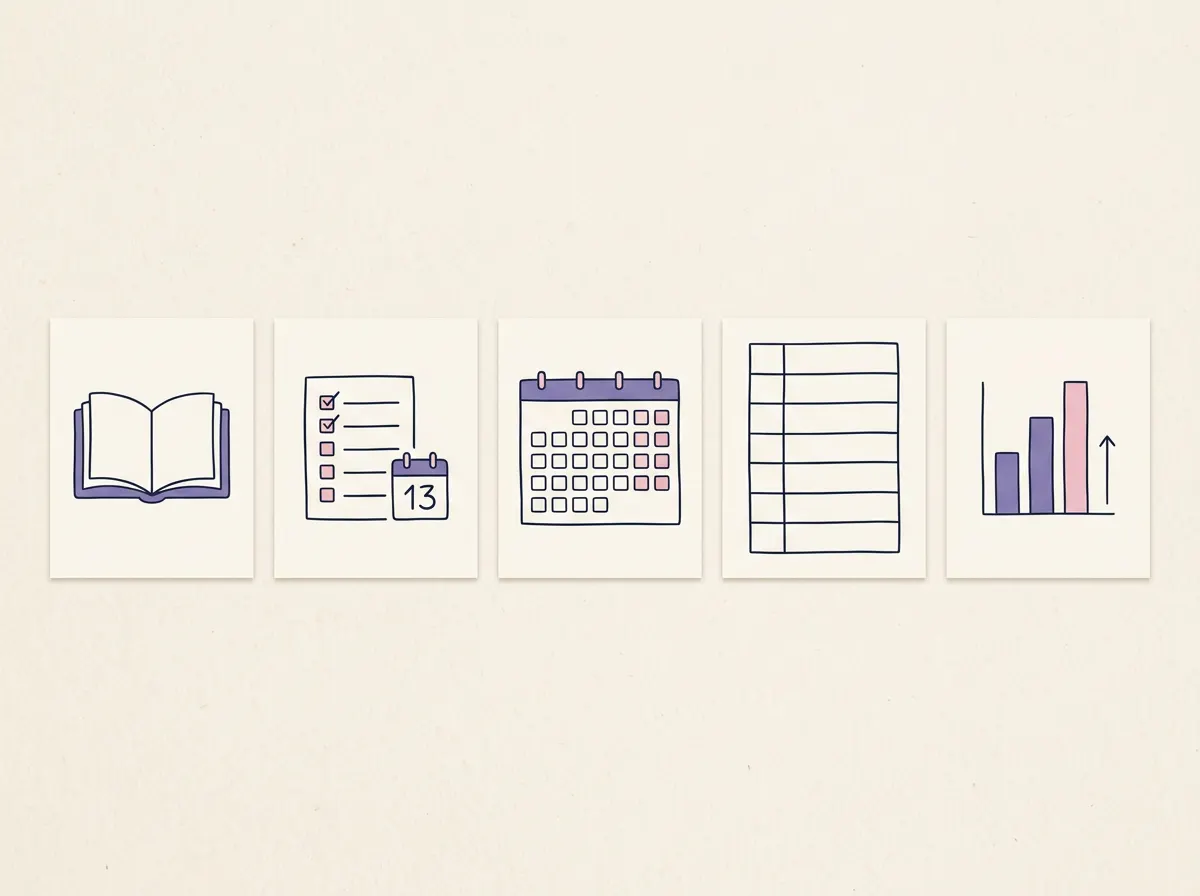
Treat the table as a checklist, not a demand to build five separate pages. A notebook can use five sections. A spreadsheet may use connected tabs. A printable may split the same jobs across sheets of paper.
Build the nine parts in the order you use them
A complete student planner can have nine parts without asking you to fill in nine separate forms. Group them by what you do: set up classes, enter due items, read the schedule, plan sessions and review grades.
- Start Here: Show how to make a working copy and where to begin. If you use a spreadsheet template, keep a clean version before entering a term's dates.
- Classes: Record each course once. Use the same course name everywhere so you can filter and scan the planner.
- Class Schedule: Keep recurring class meetings together. This helps you see fixed time before placing study sessions.
- Assignments: Keep one row for each item with its class, type, due date and status. Add priority, estimated time or grade weight only when those fields help you decide what to do.
- Calendar: Use a month view for due items and other events. It should give you a wider view of the semester.
- This Week: Bring the soonest items into one short list. That view answers what needs attention now.
- Weekly Planner: Set out the week around class meetings and other fixed commitments.
- Study Plan: Record what you plan to study, what you completed and what needs a new time.
- Grades: Keep weighted items and class grades in one place if you need to check your standing against your school's grading scale.
If you are choosing between a spreadsheet and paper, a printable can hold the same planning jobs across pages. Google Workspace's Sheets cheat sheet explains how to make a copy and download a spreadsheet in other formats. Either way, keep your original blank or clean version before you customize it.
Enter a due date once, then read it in the week
Give each due item one place to enter its class and date. Use the calendar and weekly pages to read that information, so you do not have to maintain the same deadline in several lists.
A row can start with these headings:
| Class | Item | Type | Due date | Status | Priority | Estimate | Grade weight |
|---|
The first fields identify the item and when it is due. The rest are optional. If you never sort by priority, estimate or grade weight, leave those columns out.
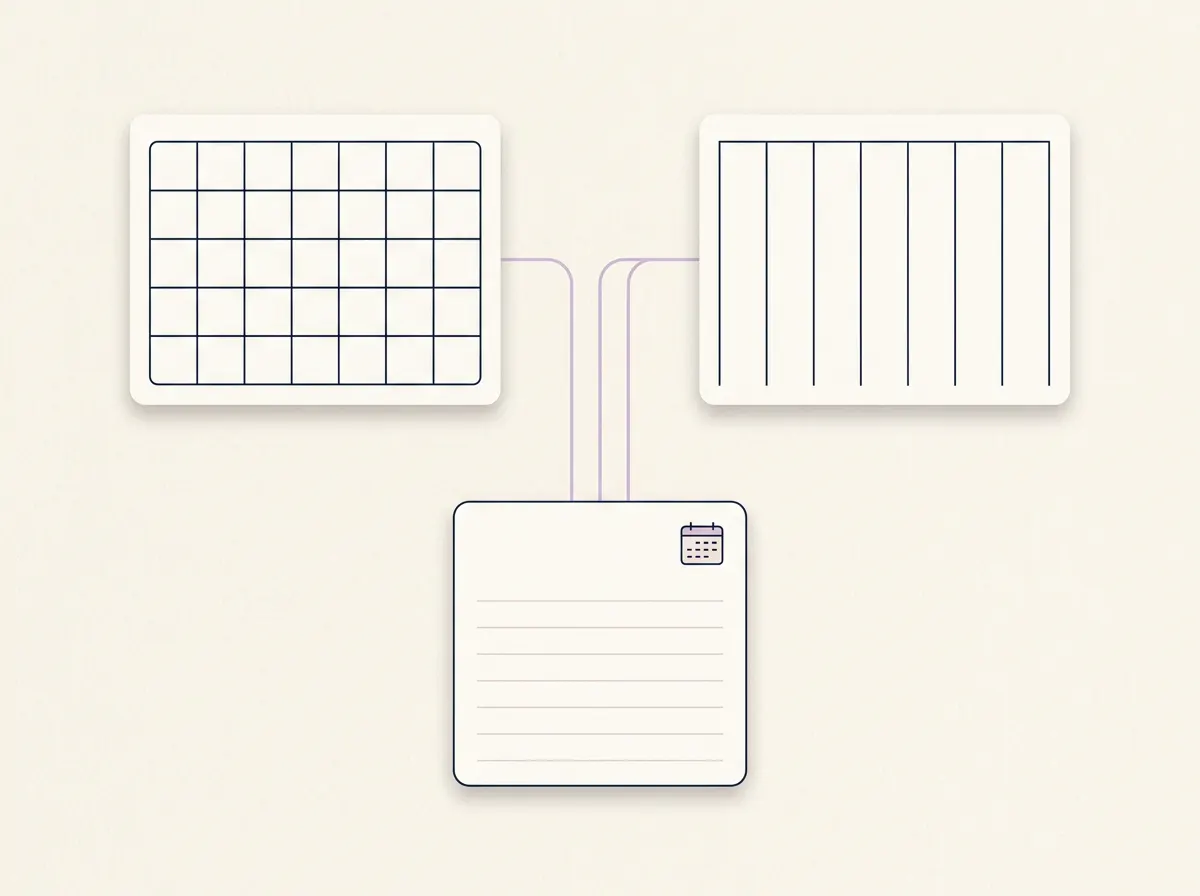
A source-to-view map is a check that each fact has one entry point and can appear in the views that need it. This source-and-view map helps you check that a template does not make you enter the same fact twice:
| Enter once | Read it here |
|---|---|
| Class name and meeting time | Classes and Class Schedule |
| Assignment, class and due date | Assignments, Calendar and This Week |
| Personal event | Calendar |
| Planned and completed study time | Study Plan |
| Weighted item and class result | Grades |
For example, choose one item from a syllabus and enter its class, type, due date and status. Find it in the due-date list, then in the month view. When it falls within the coming week, look for it in This Week too. Filter by class and confirm that the item stays attached to the right course. If you have to type its date again to make the second view work, the template has two sources to maintain.
The Ultimate Student Planner's Assignments tab sorts items by due date and lets you filter by class or status. Its Calendar is a month view filled from assignments plus personal events. This Week shows items due within seven days, overdue work, upcoming exams, today's classes and study sessions. Those are different views of information you entered, not separate lists that need the same date copied into each one.
How the Ultimate Student Planner Handles This
Ultimate Student Planner has nine connected tabs in Google Sheets and Excel. The file includes a filled-in sample semester and a clean copy, so you can inspect the structure before adding your own classes. It also includes two printable pages: a weekly planner and a semester-at-a-glance page.
The file supports up to 10 classes and 300 assignments in a semester. Class colors carry through the planner. Assignments sort by due date, and the Grades tab can calculate weighted class grades and a semester GPA using your grading scale. That gives you a concrete way to compare a template with your own needs: check its class capacity, how it handles due dates, and whether the grade scale matches your school.
The Google Sheets and Excel student planner is for students who want those pieces in one file. It does not import from Canvas or school portals, sync with calendar apps, send reminders or handle rotating A/B day schedules. If any of those are essential, keep the tool that already does that job.
Make the weekly plan restartable
A weekly study plan should have a place for unfinished sessions. When a class runs late or a session slips, move it to a realistic opening or write a smaller next action. You can keep using the rest of the plan.
The Arkansas Student Success guide says to adjust planned study time when life interrupts it. That advice works better than trying to rebuild an entire week after one missed block. Check the due date first, then decide whether the work needs a new time, a smaller step or a question for your instructor.
For a study session, record the course or topic, what you plan to do and whether you finished it. If you did not, move it forward while the deadline is still in view. A one-course study plan template with a reschedule field gives an example of a session list. The point of the reschedule field is simple: it gives unfinished work a next place, while the due-date list still shows its real deadline.

Ultimate Student Planner's Study Plan tab includes planned and done time plus a “to reschedule” list. If you want a student planner spreadsheet with a reschedule list for missed sessions, that is one part to compare. The file tracks your sessions; it does not decide how much you should study or promise a grade outcome.
Keep the template light enough to use
Keep the fields you use to make a decision. A due date needs its class and status. A study plan needs a next action and a place to move it. Extra boxes can wait until you know why you need them.
Before you add a page, ask what question it answers:
- What is due across the semester?
- What needs attention this week?
- When are classes and other fixed commitments?
- Which study session needs a new time?
- Do I need to review weighted grades?
If two pages answer the same question, combine them or decide which one is the source. Check school dates and grading rules against your syllabi or catalog. A template can organize your information, but it cannot confirm that a professor changed a deadline or that your department uses a particular GPA scale.
Your student planner template is ready when you can enter a course detail once, find the next due item and adjust the week without starting over. Add decoration after the basic flow works for you. Ultimate Student Planner is published by Cosmo Suite. Its About page identifies the publisher, and the editorial policy explains how articles are sourced and corrected.
Frequently asked questions
Does a student planner template work for high school?
Yes. Start with your classes, meeting times, due dates and the week ahead. You may need fewer fields than a college student. Add grades or study sessions only if you will use them.
What should a student planner template include?
Begin with course details, one list of assignments and due dates, a month view, a weekly view and a place to plan or reschedule study sessions. Add grade details if you need them.
How do I make a student planner template in Google Sheets?
Create one class list, one row for each due item, then separate views for the month and the coming week. Google Sheets can make a copy of an existing spreadsheet; check each formula and date field in your own copy.
Do I need both a monthly and weekly planner?
They answer different questions. A month view shows how deadlines cluster across the term. A weekly view helps you decide when to work on what is coming up.
Is a spreadsheet better than a printable planner?
A spreadsheet can sort and filter a shared list of due dates. A printable is easy to carry and write on. Choose the format you will check, and keep a separate alert tool if you need reminders.
How should I organize several classes in one planner?
Give each class a consistent name and use that same label on every due item. Then filter the list by class or scan the full list by date.
What should I do after missing a planned study session?
Move the unfinished session to a realistic open time or make the next action smaller. Keep the original deadline visible and update the plan around it.
Sources
Keep reading
Student Planners
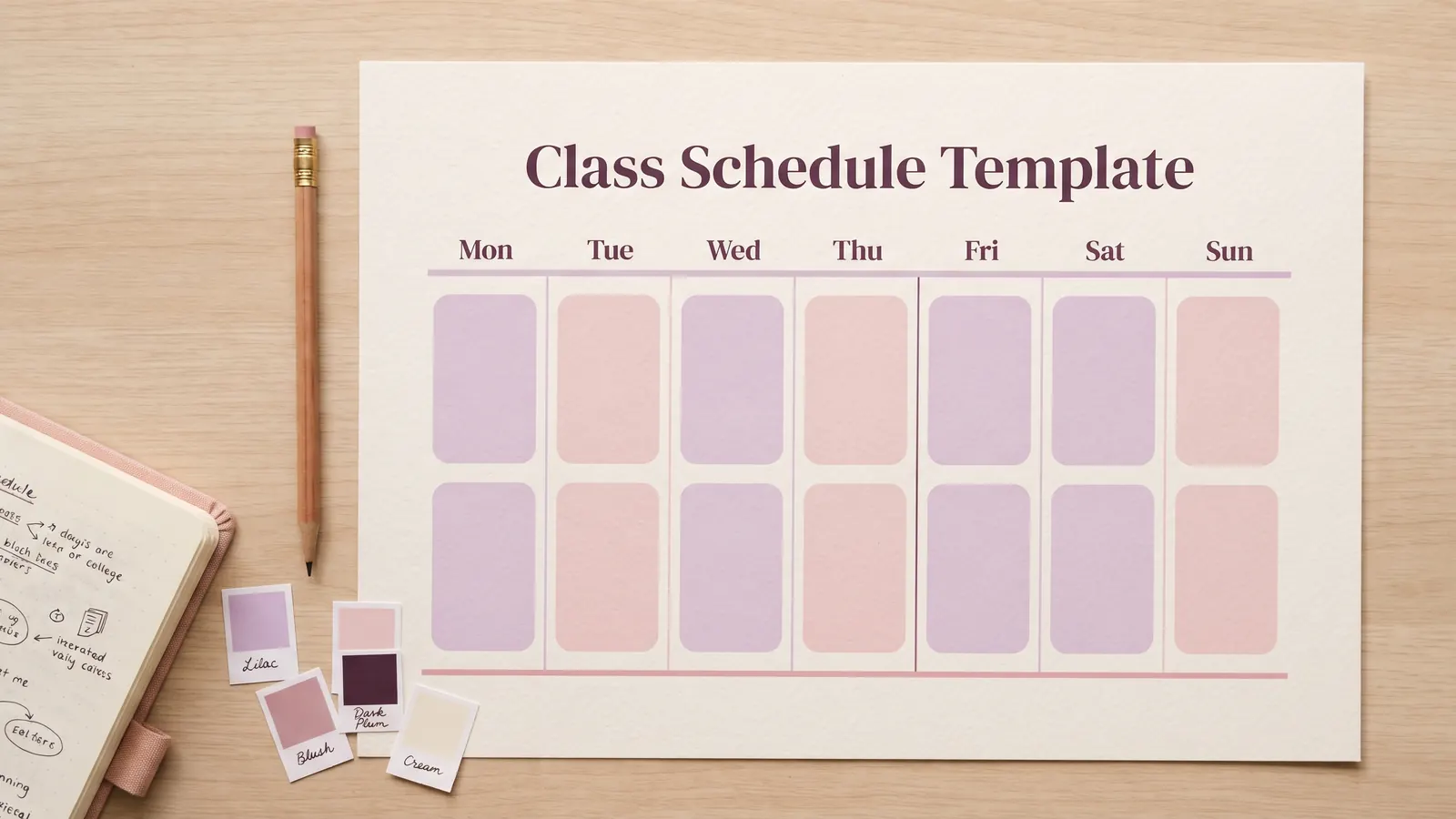
Class Schedule Template: Monday to Sunday, Each Class in Its Colour
class schedule template: organize weekly meetings by day, time, class and room, then see where a spreadsheet fits. Build a clear timetable you can update.
· 7 min read

Student Planners
Active Recall: Practise One Class Without Notes
Active recall helps you check what you can produce from memory. Try it in one class with a prompt, a closed-book answer, and a careful check.
· 7 min read
Student Planners
Finals Study Schedule: Work Back From Each Exam Date
Finals study schedule: build two weeks around four exam dates, weigh classes by credits and difficulty, and leave room when plans change.
· 7 min read
